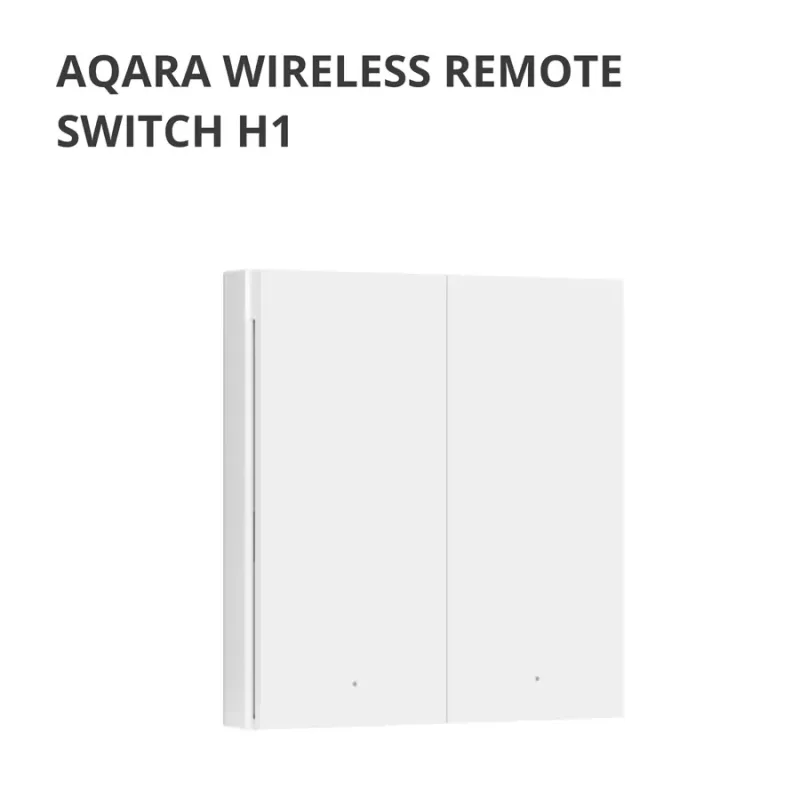
- New
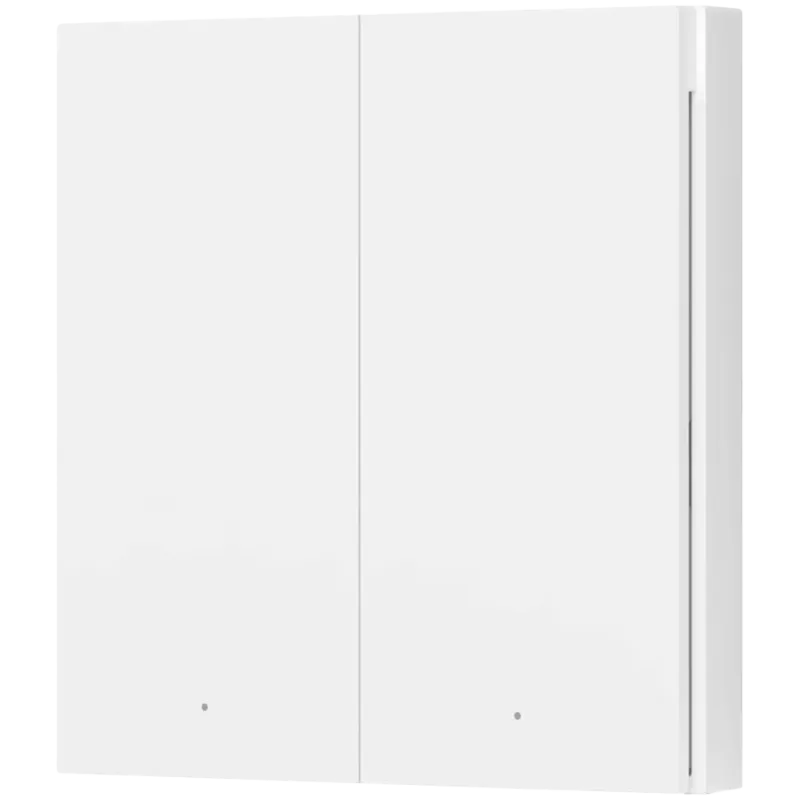
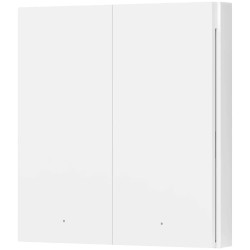
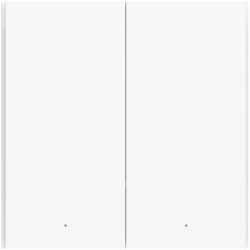
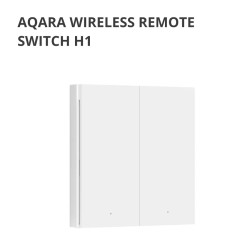
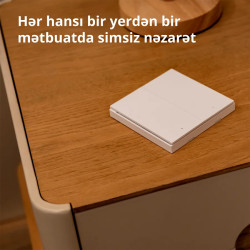
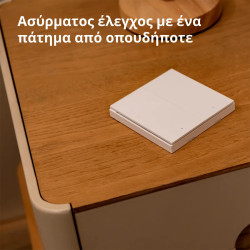
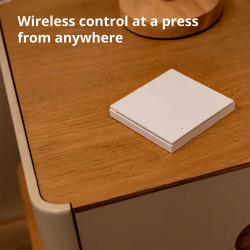
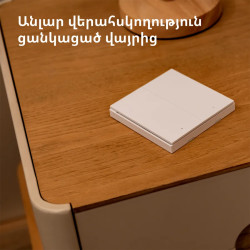
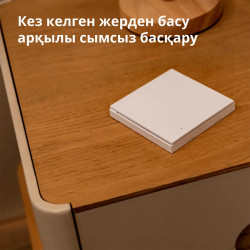
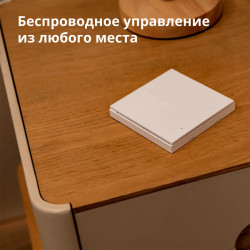
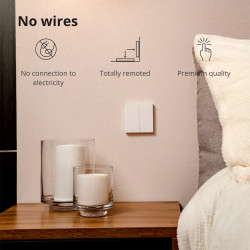
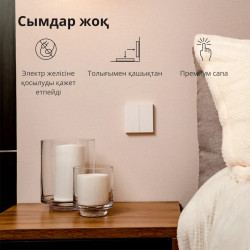
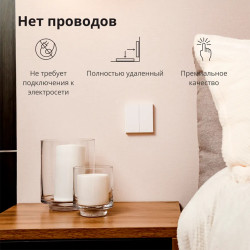
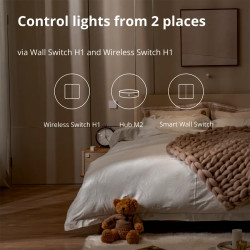
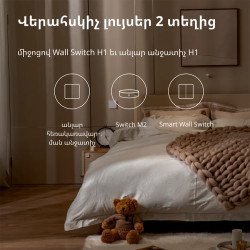
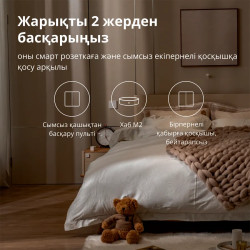
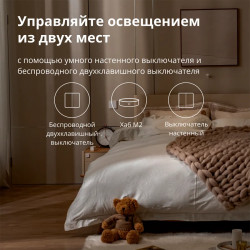

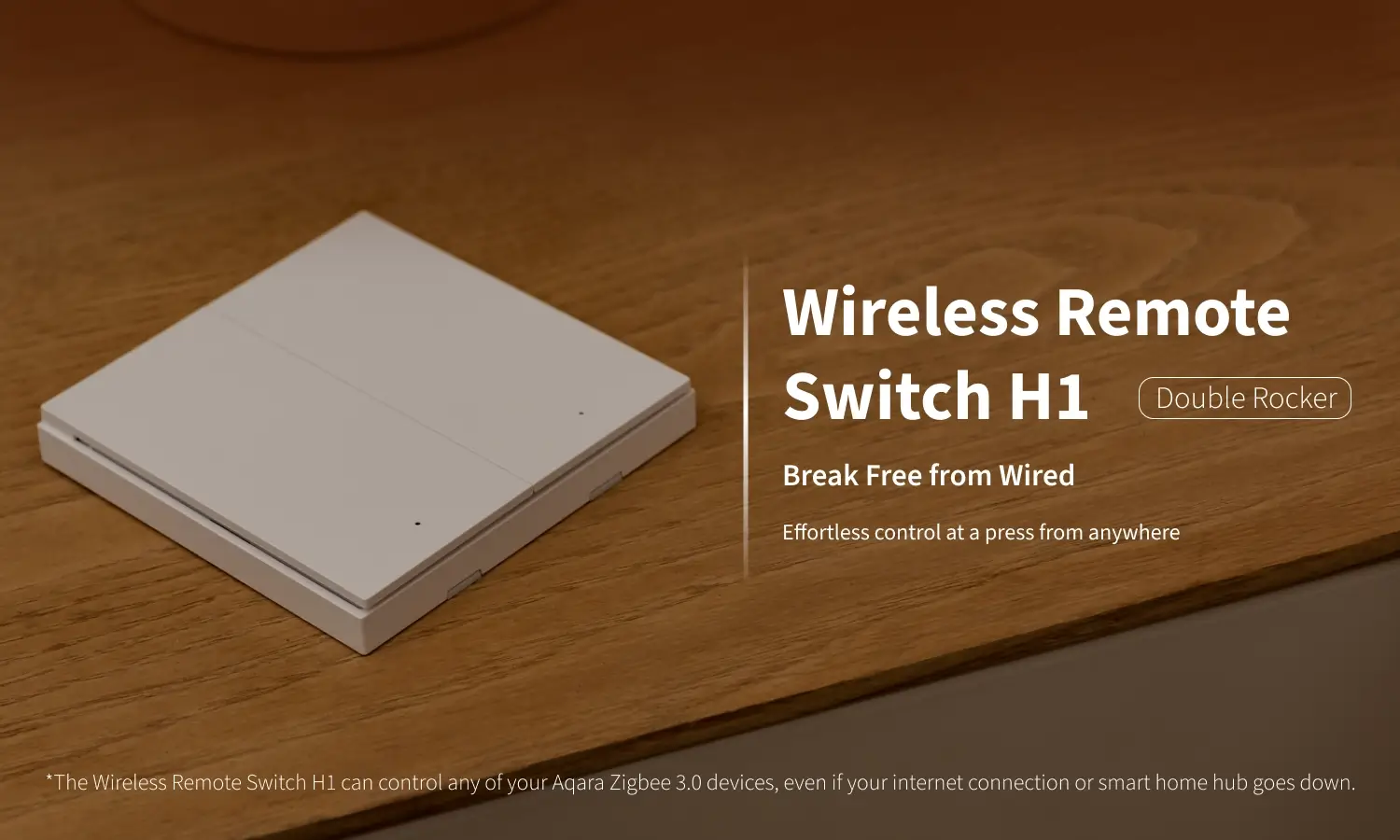
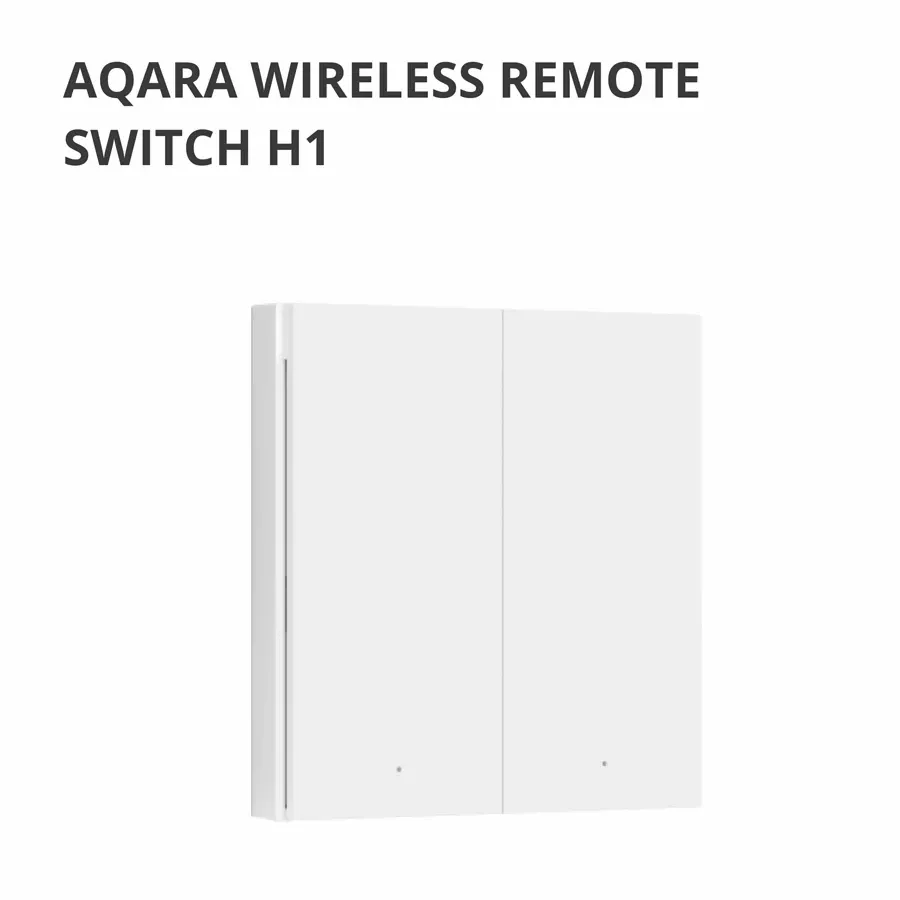
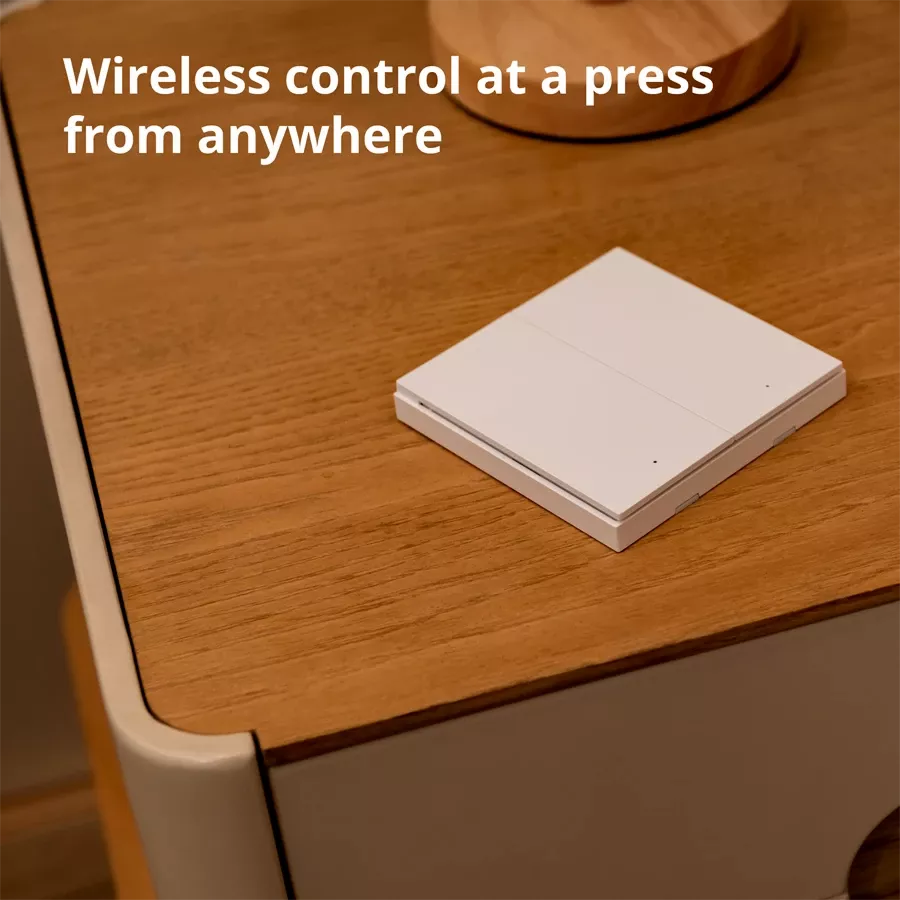
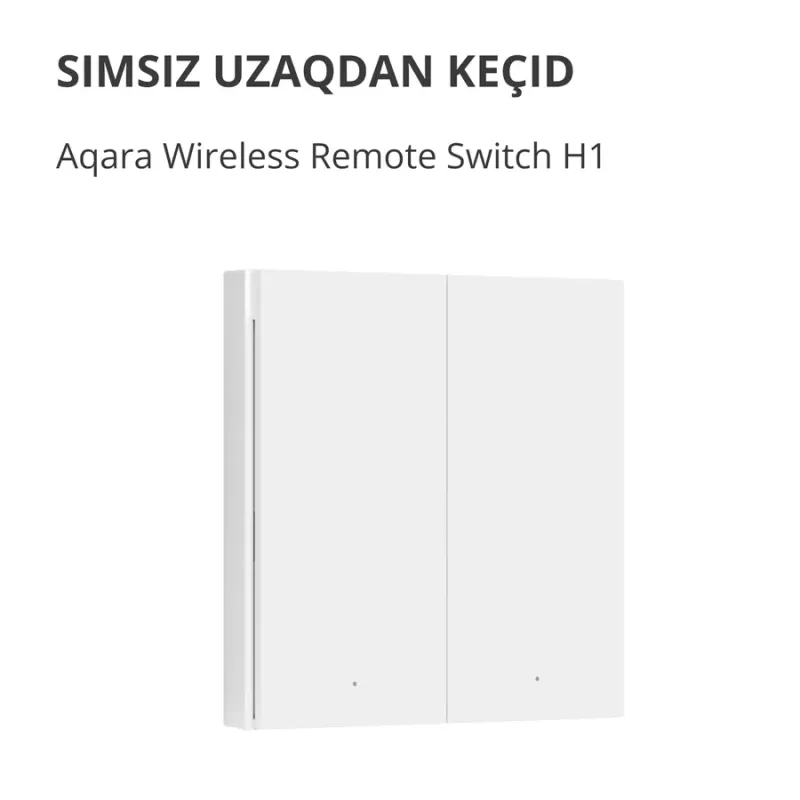
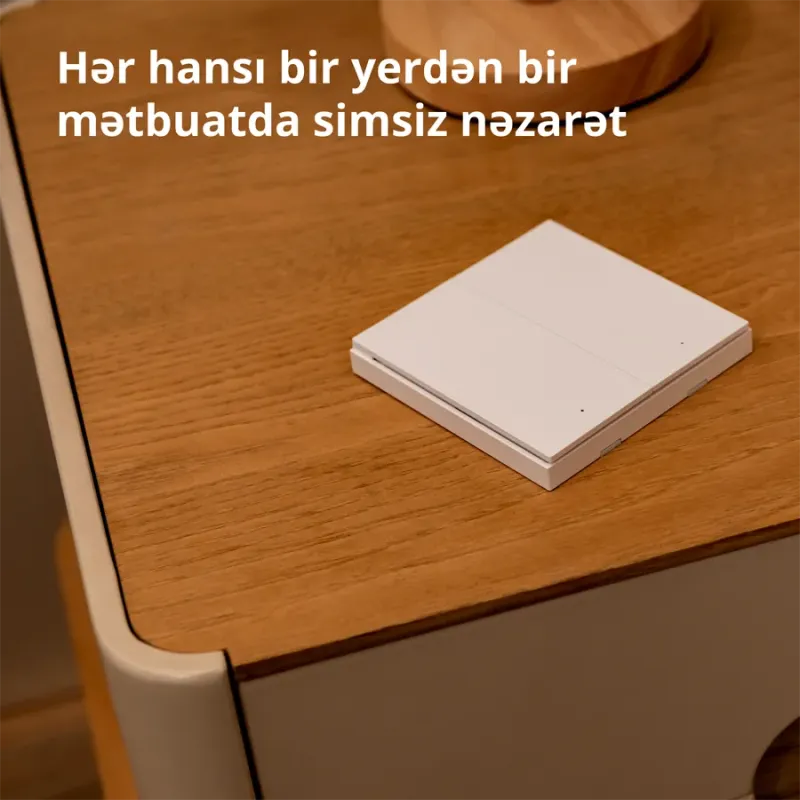
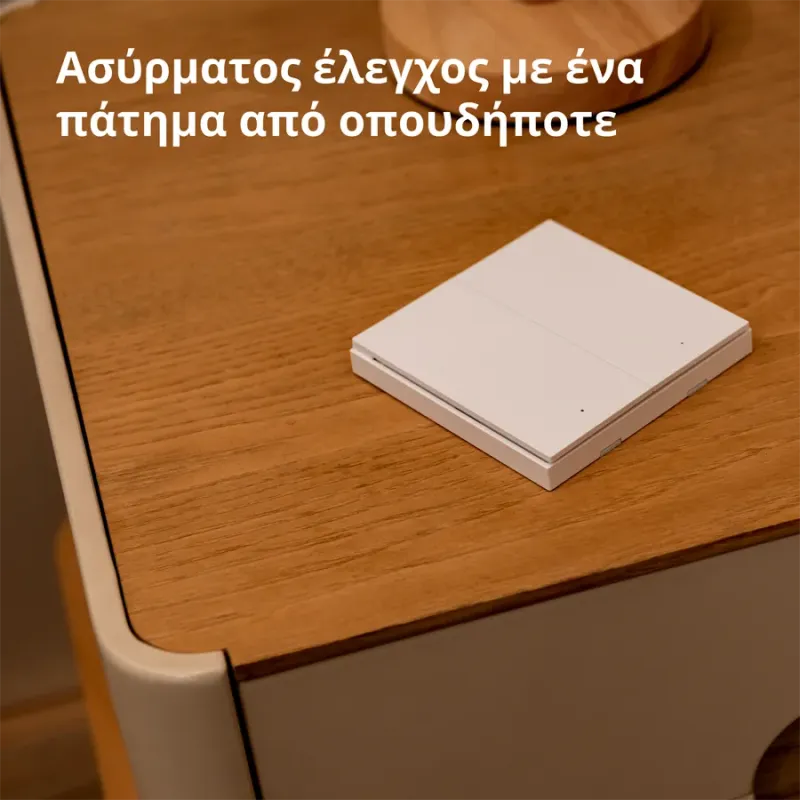
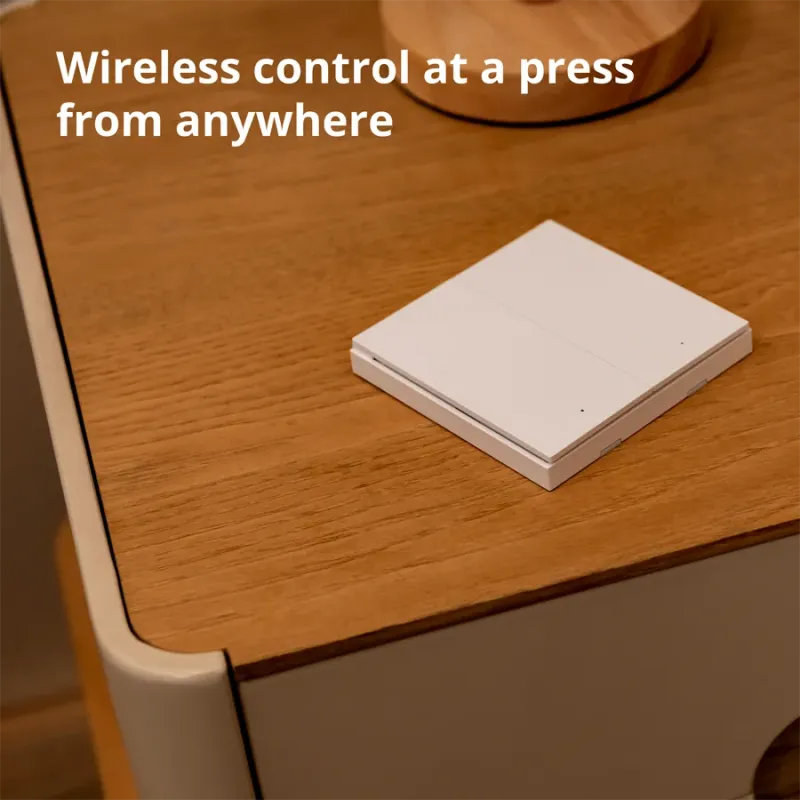
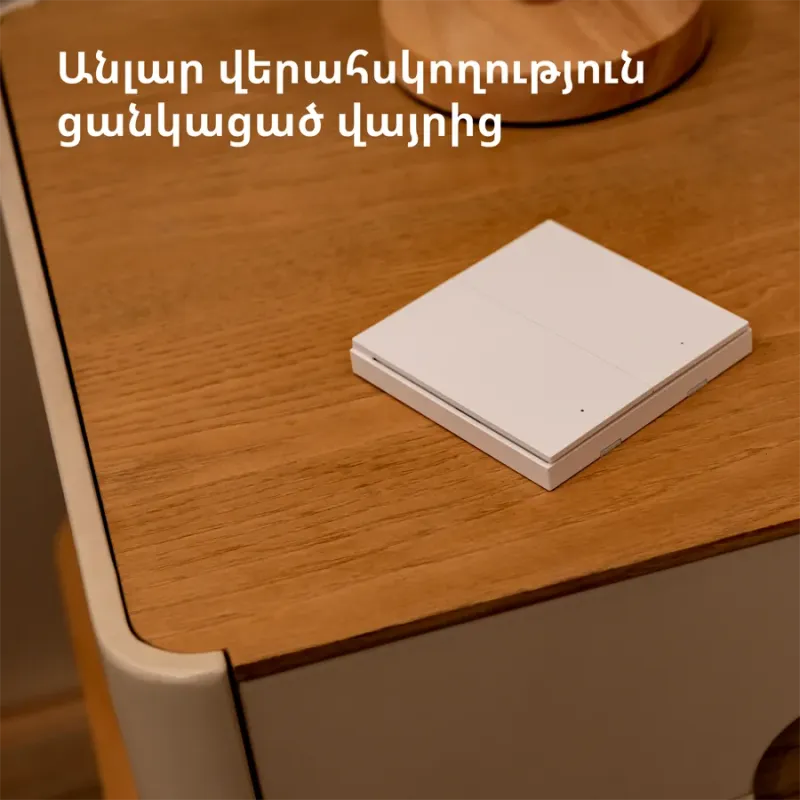
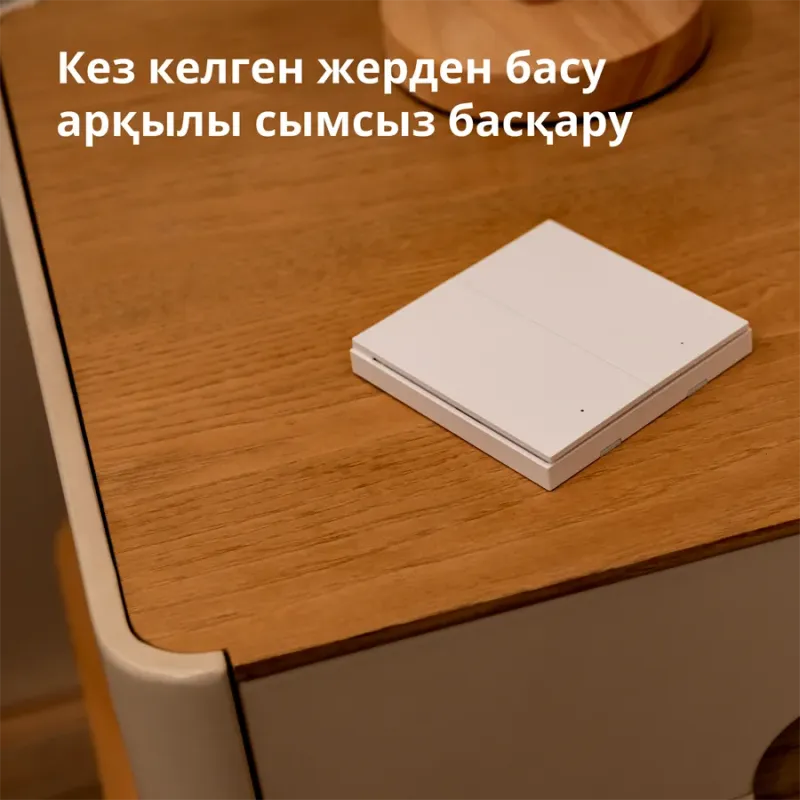
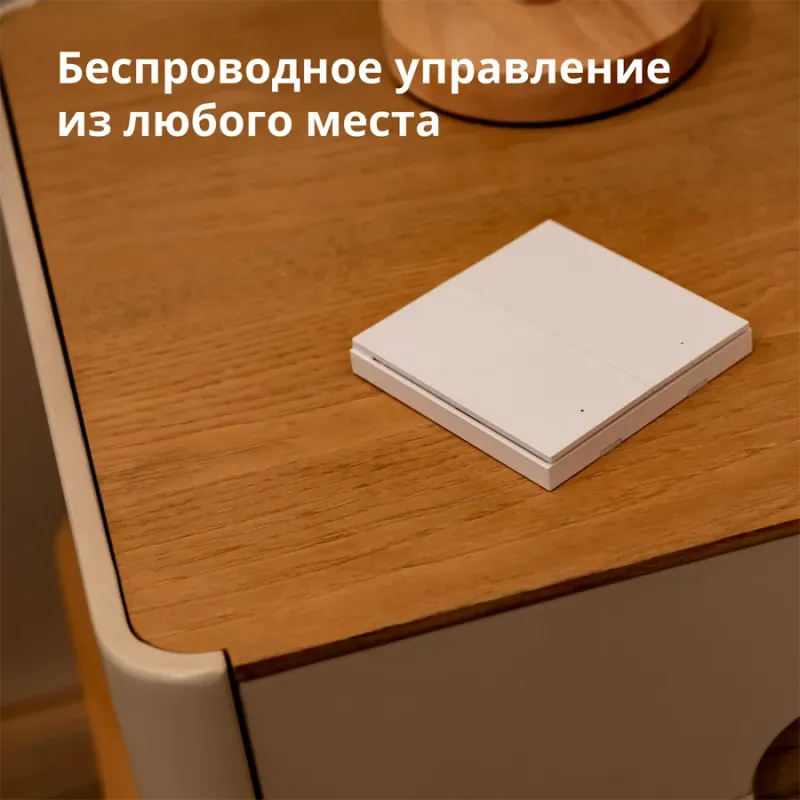
Effortless control at a press from anywhere
*The Wireless Remote Switch H1 can control any of your Aqara Zigbee 3.0 devices, even if your internet connection or smart home hub goes down.
See more
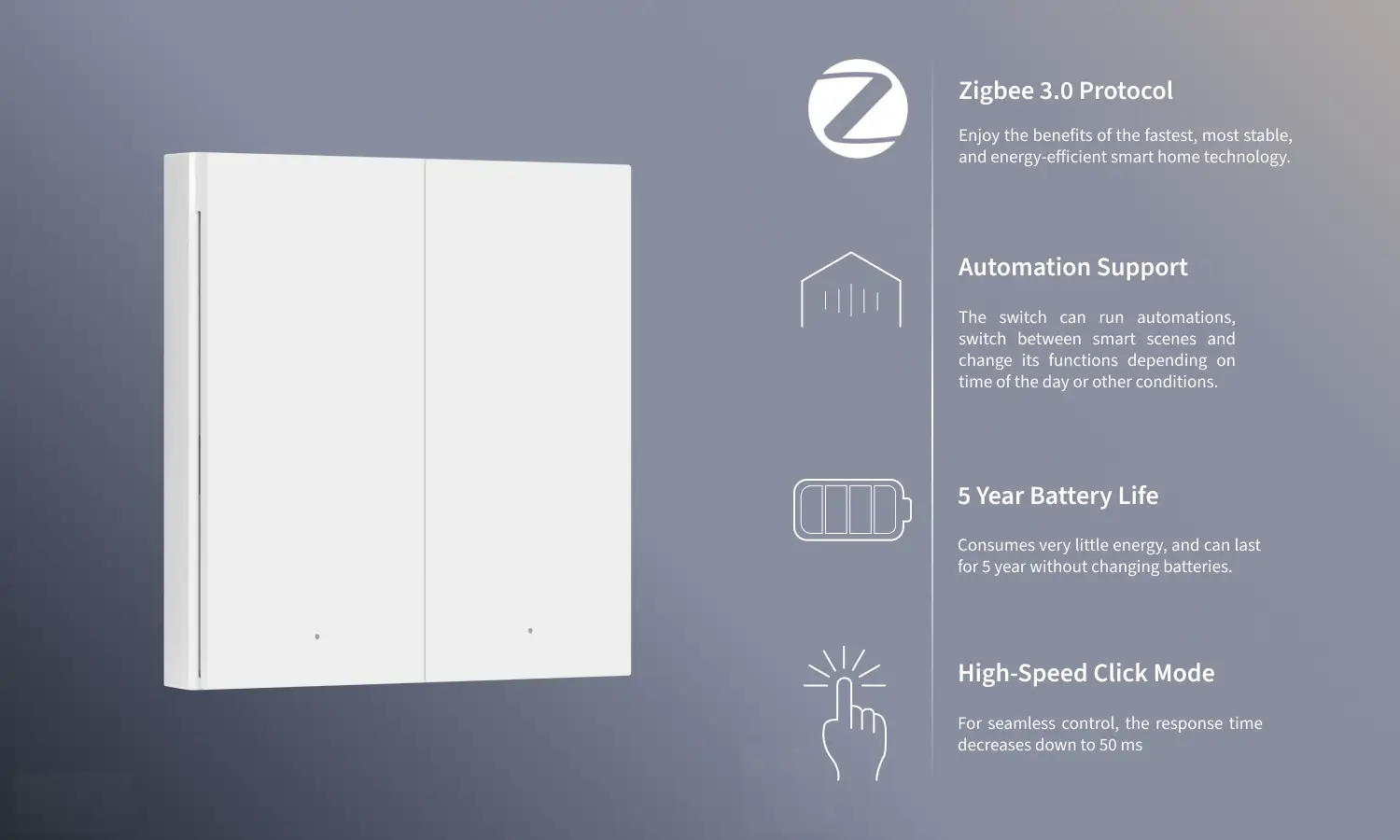
Enjoy the benefits of the fastest, most stable, and energy-efficient smart home technology.
The switch can run automations, switch between smart scenes and change its functions depending on time of the day or other conditions.
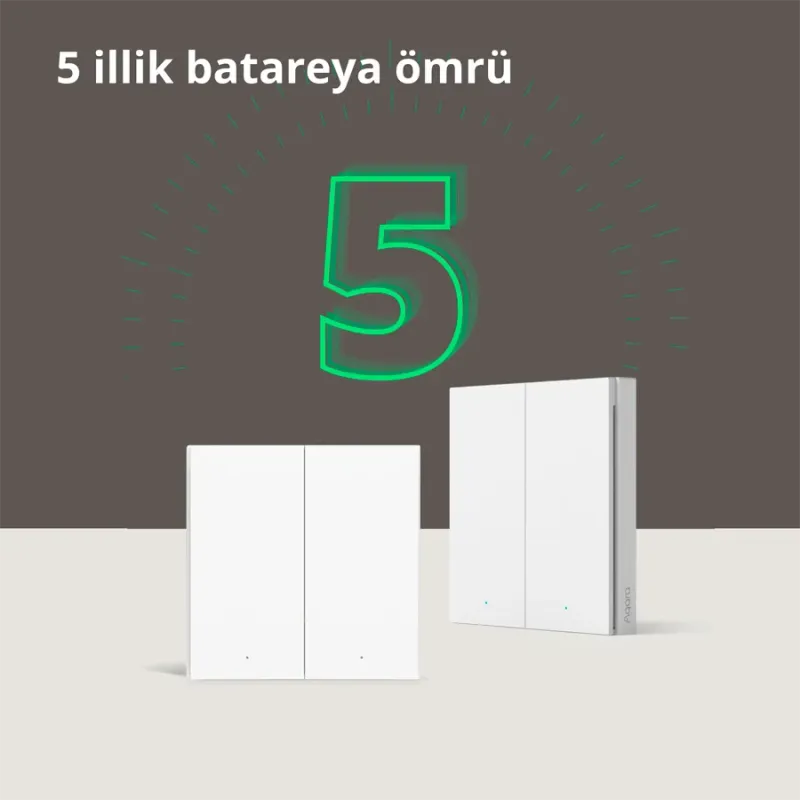
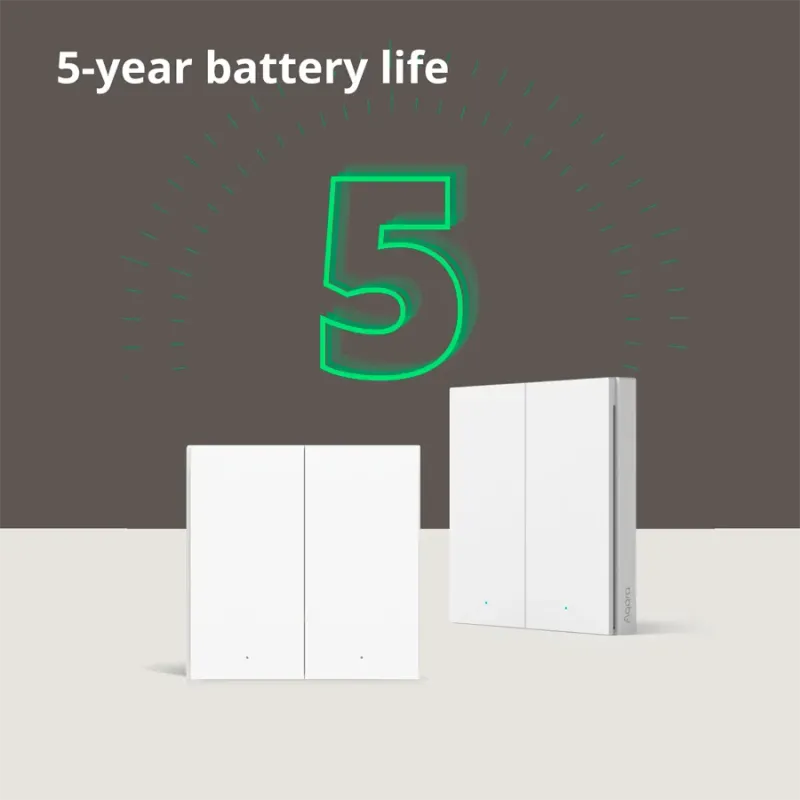
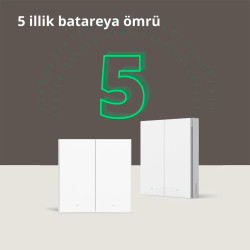
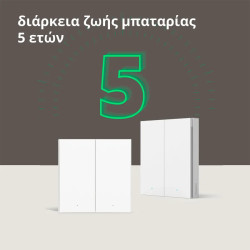
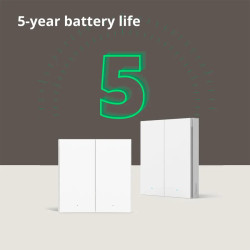
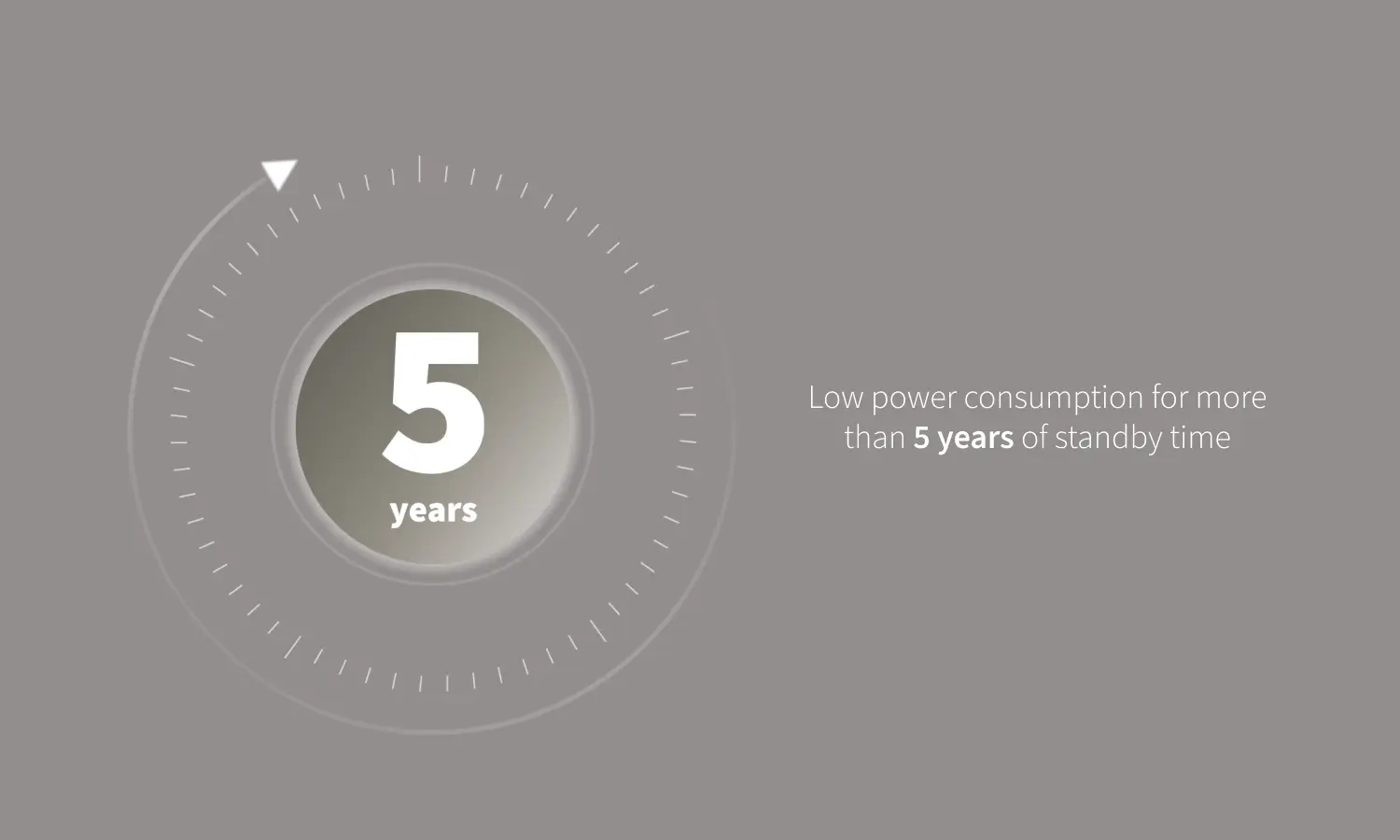
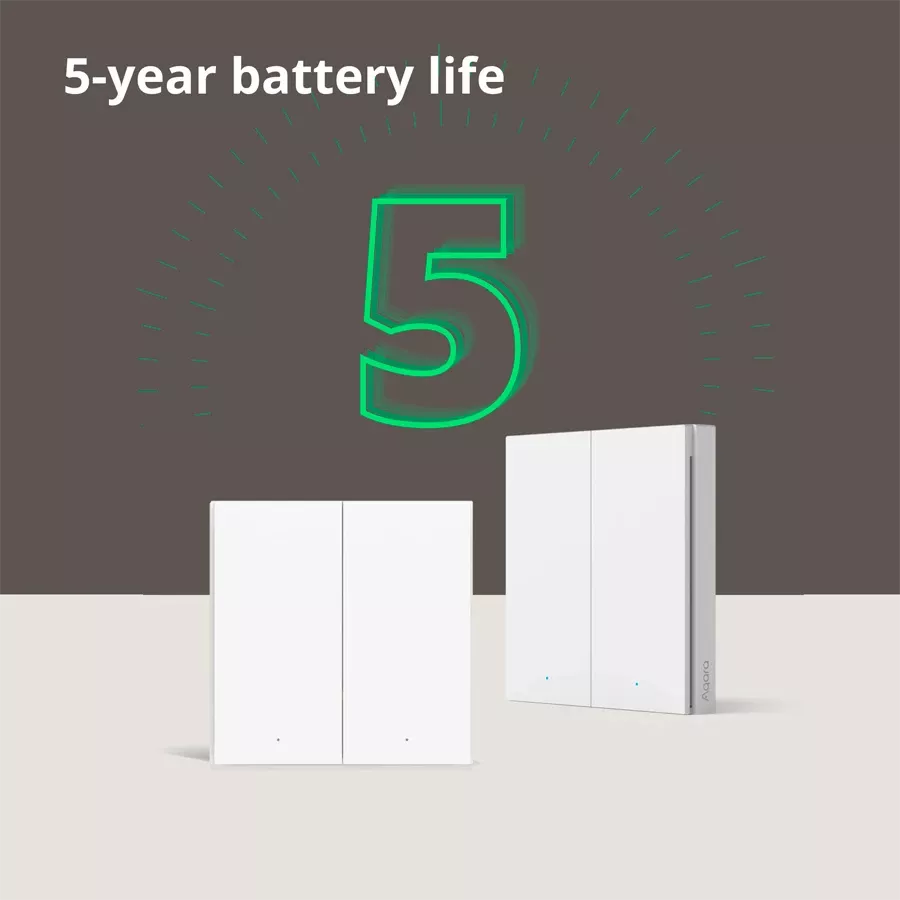
Consumes very little energy, and can last for 5 year without changing batteries.
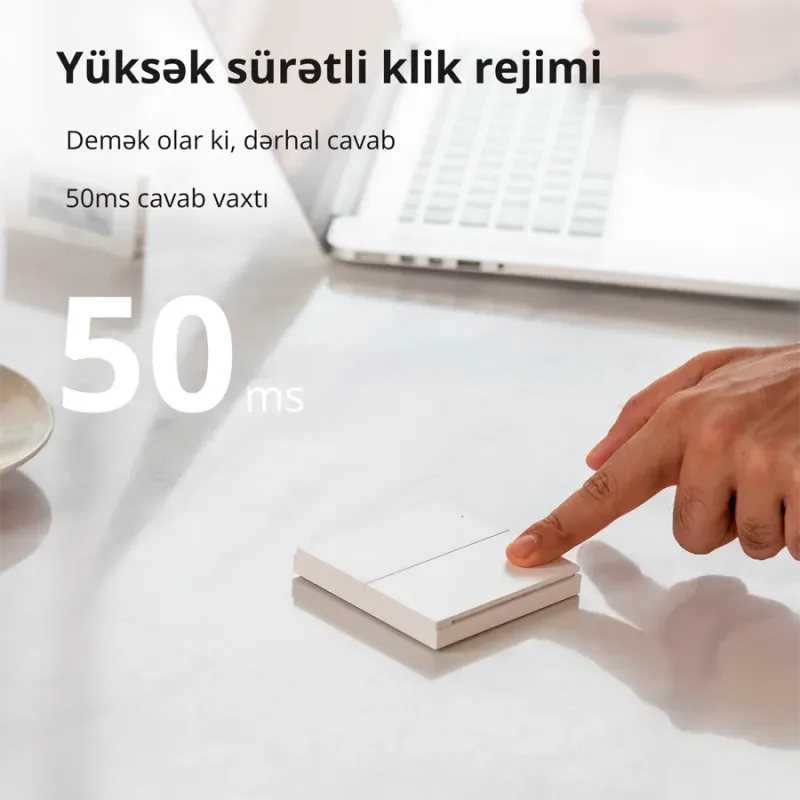
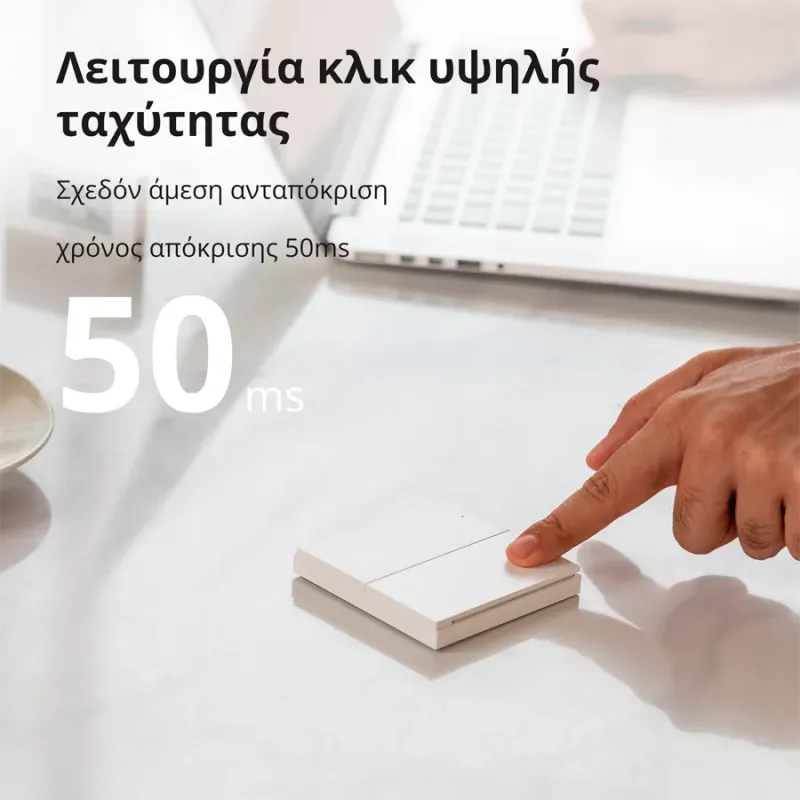
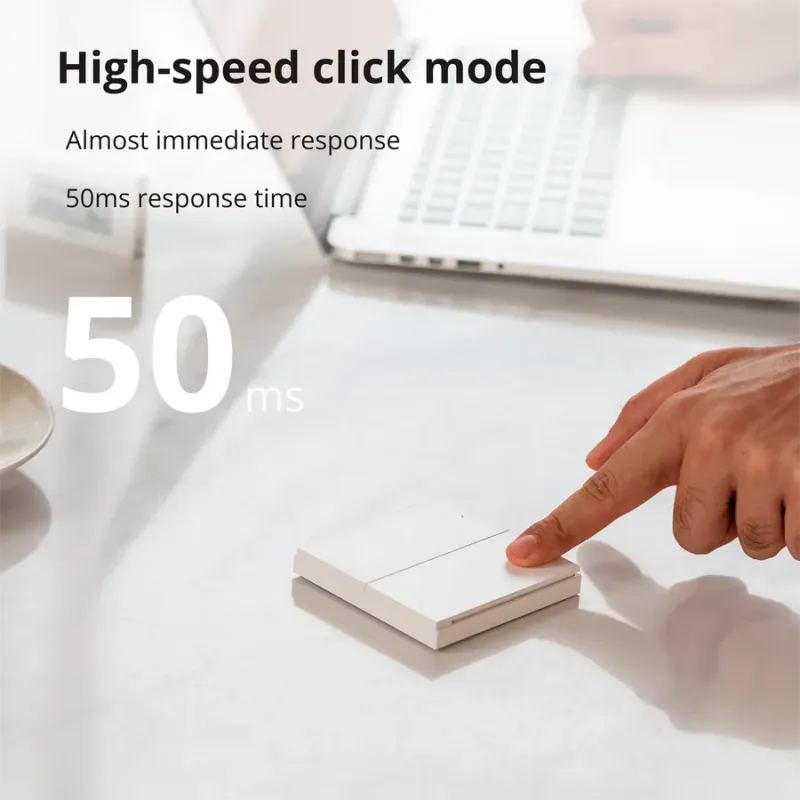
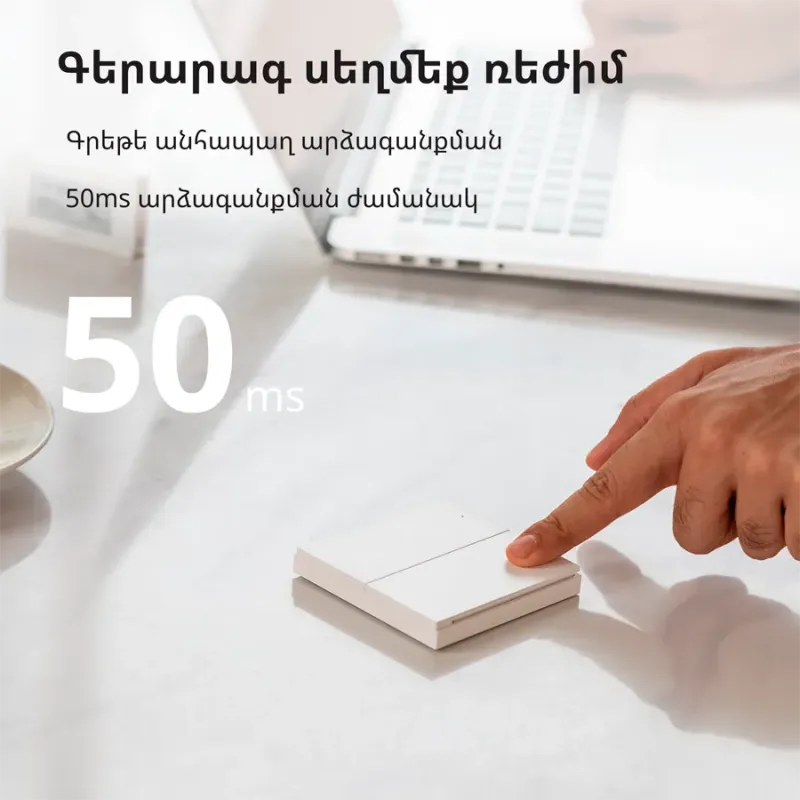
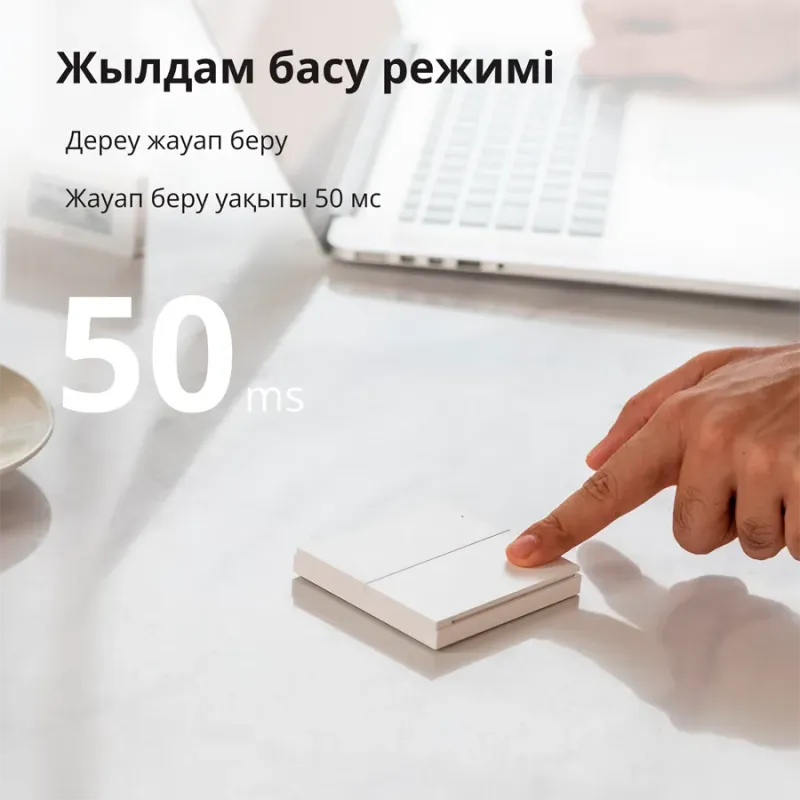
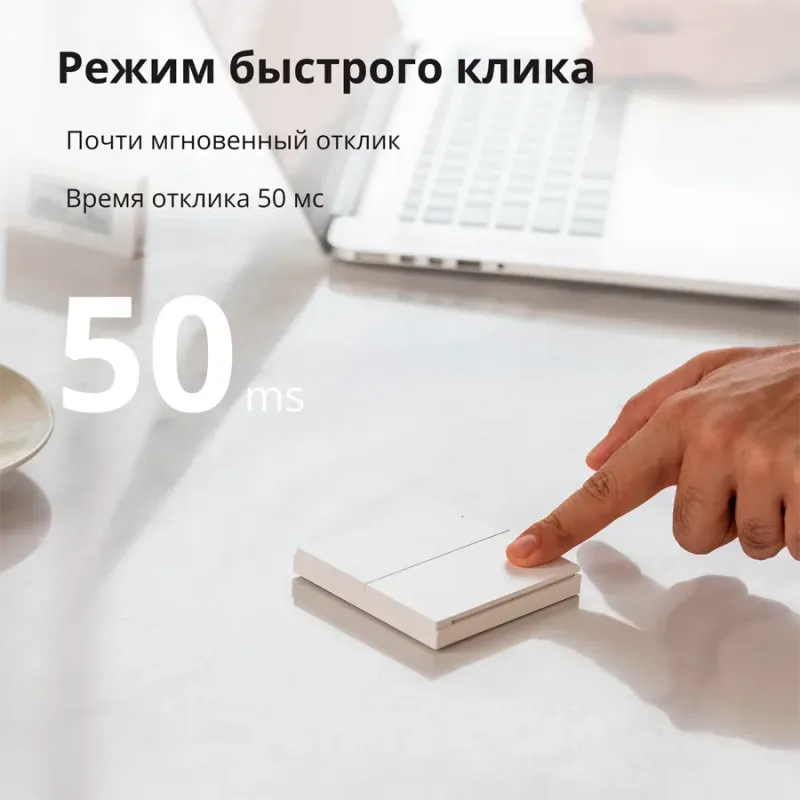
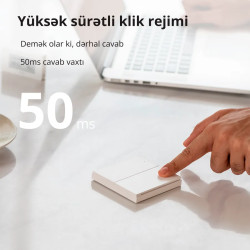
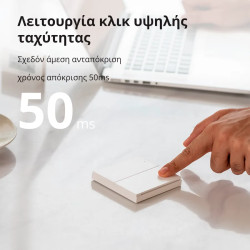
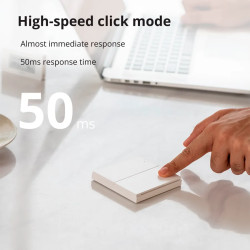
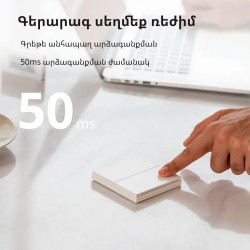
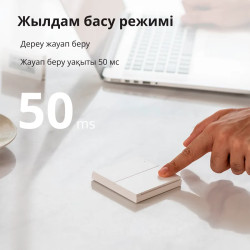
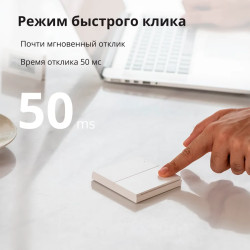
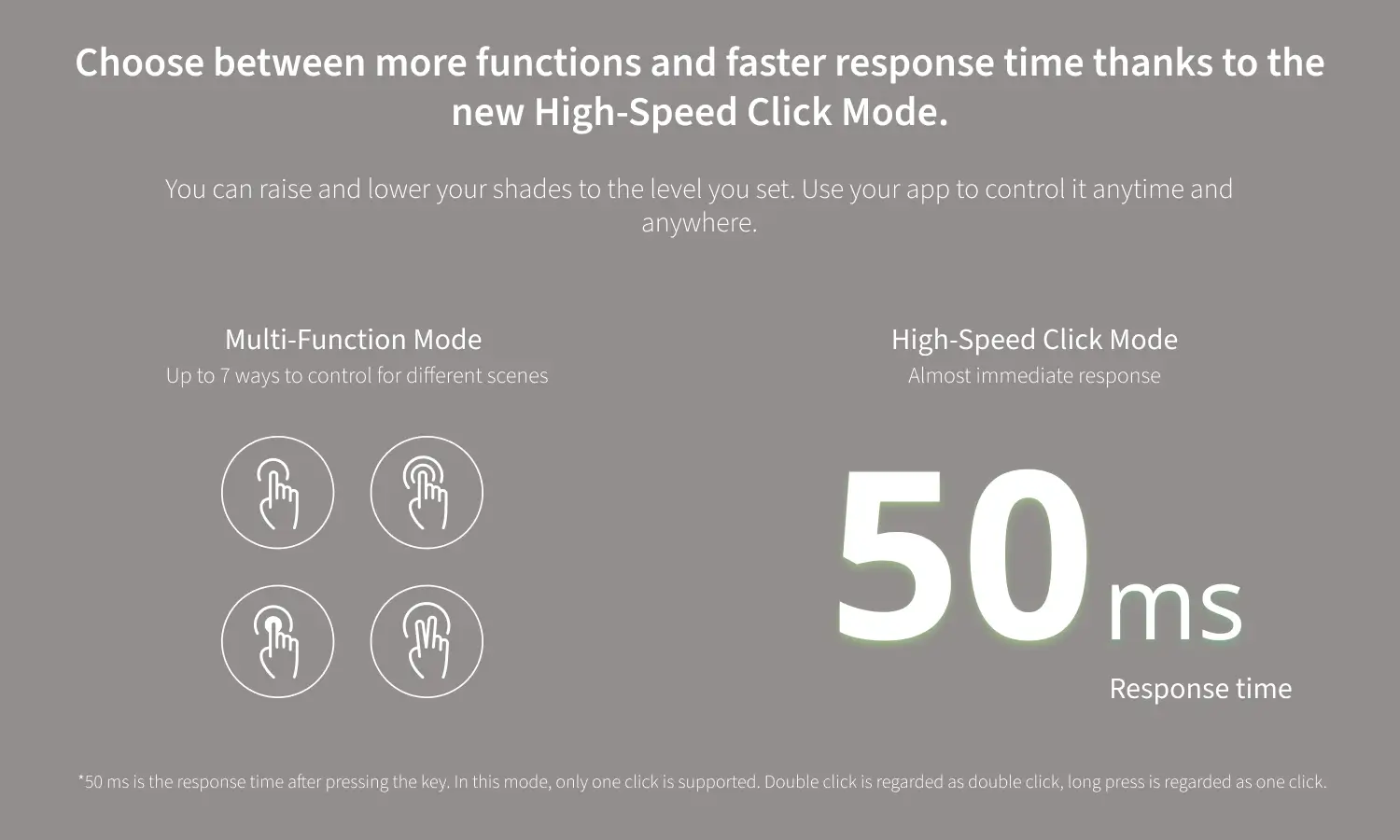
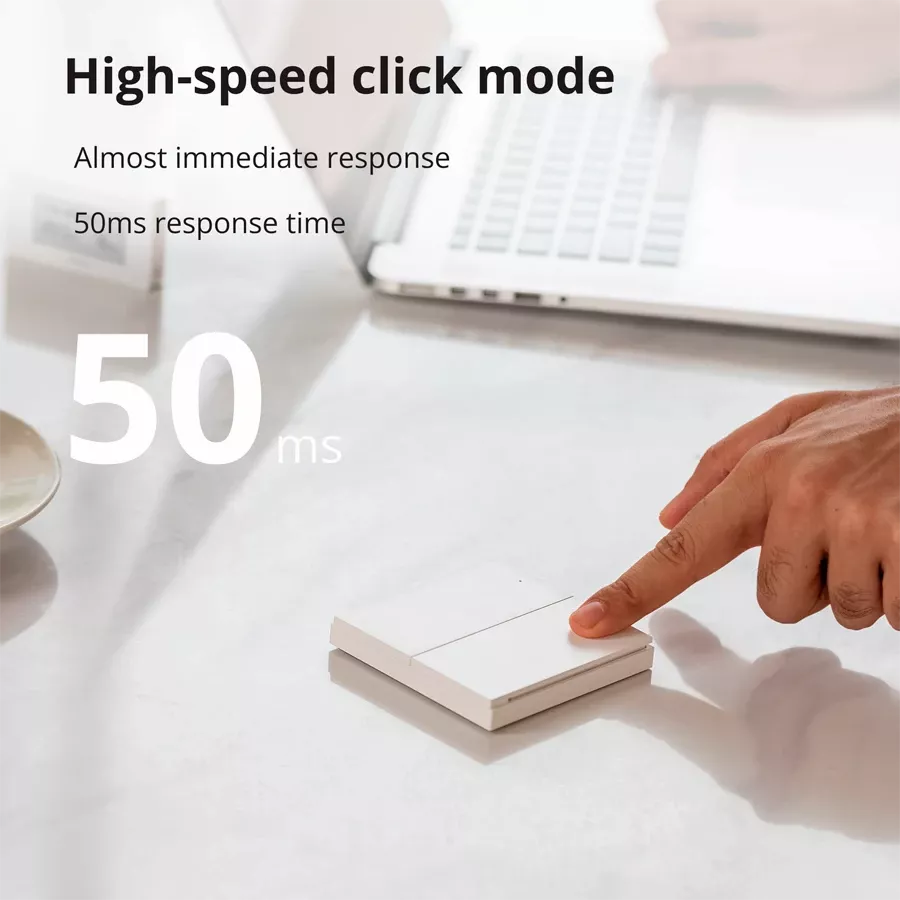
For seamless control, the response time decreases down to 50 ms
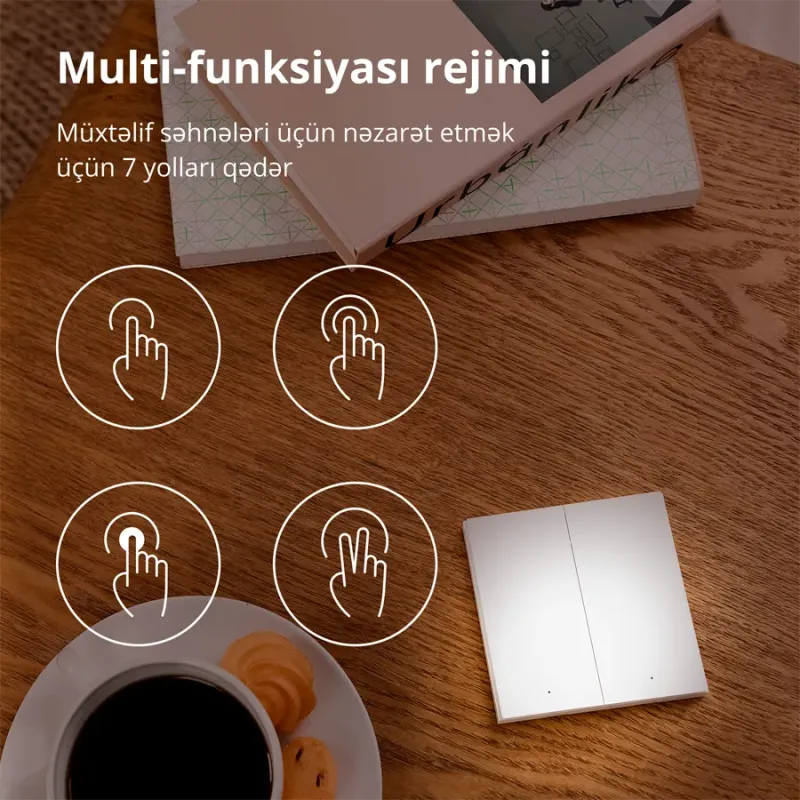
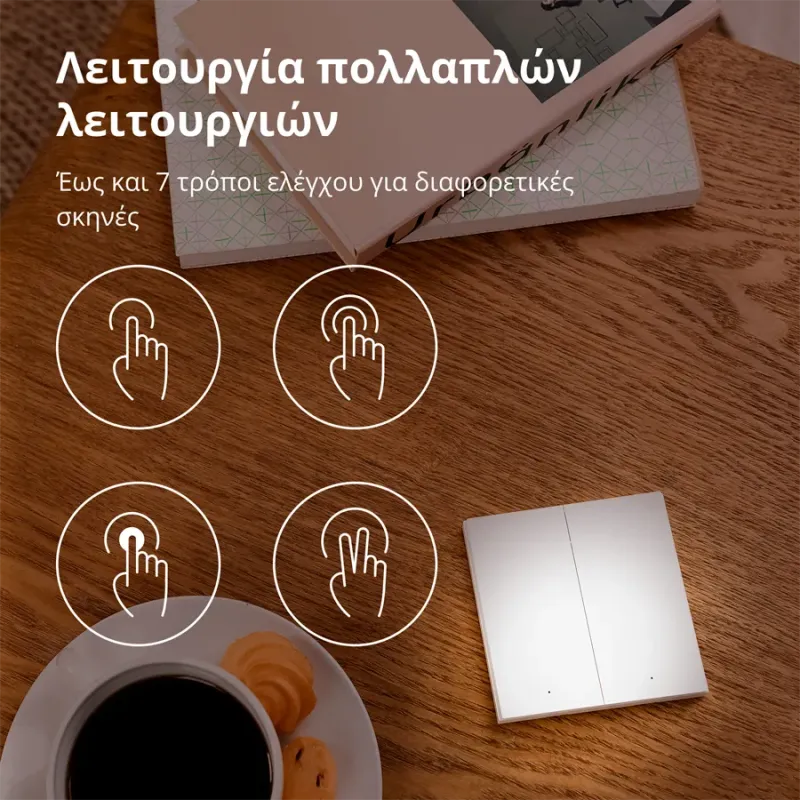
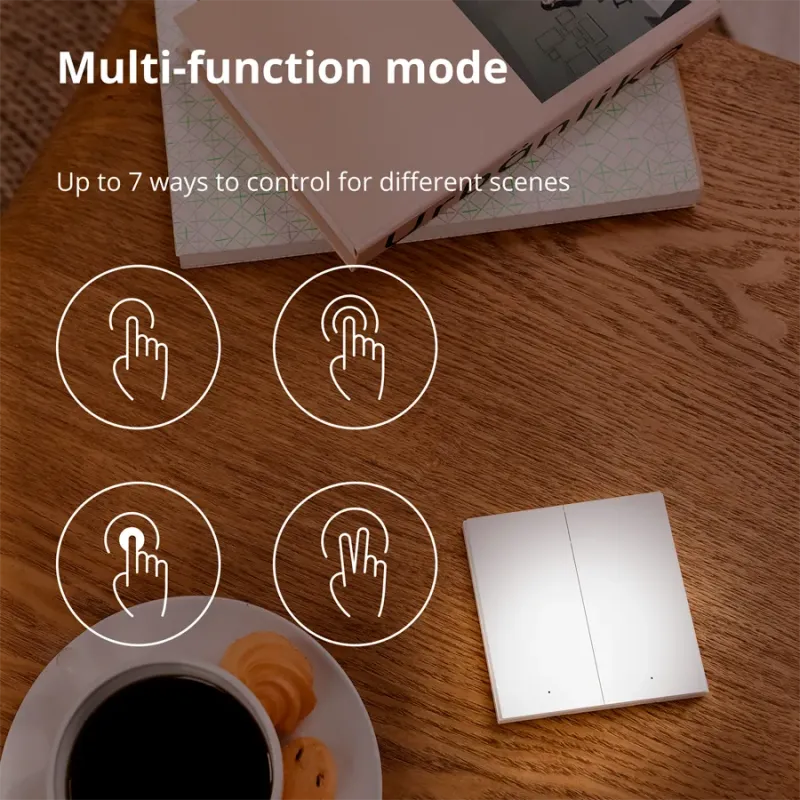
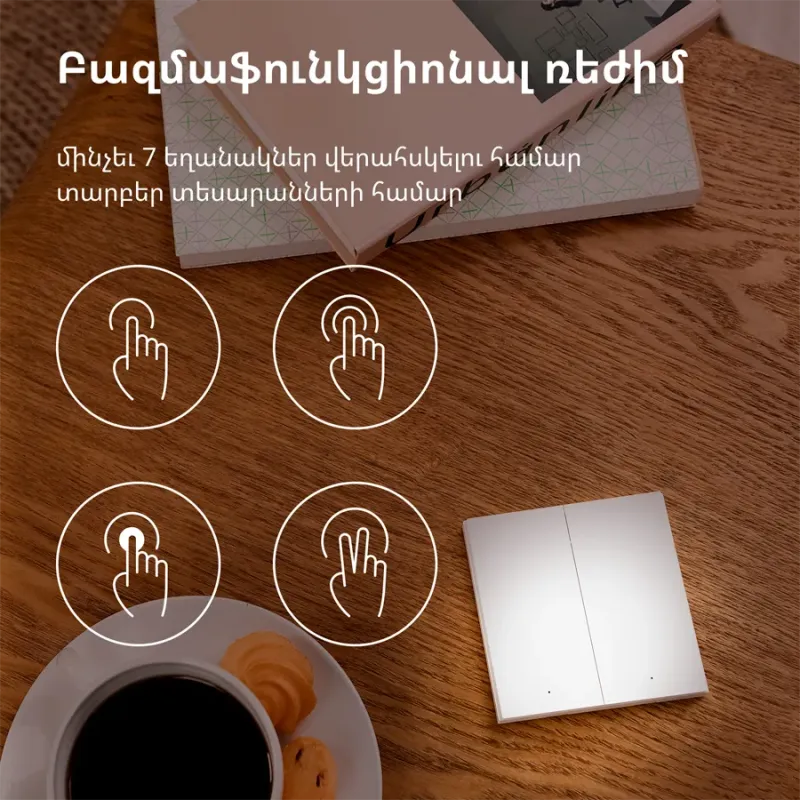
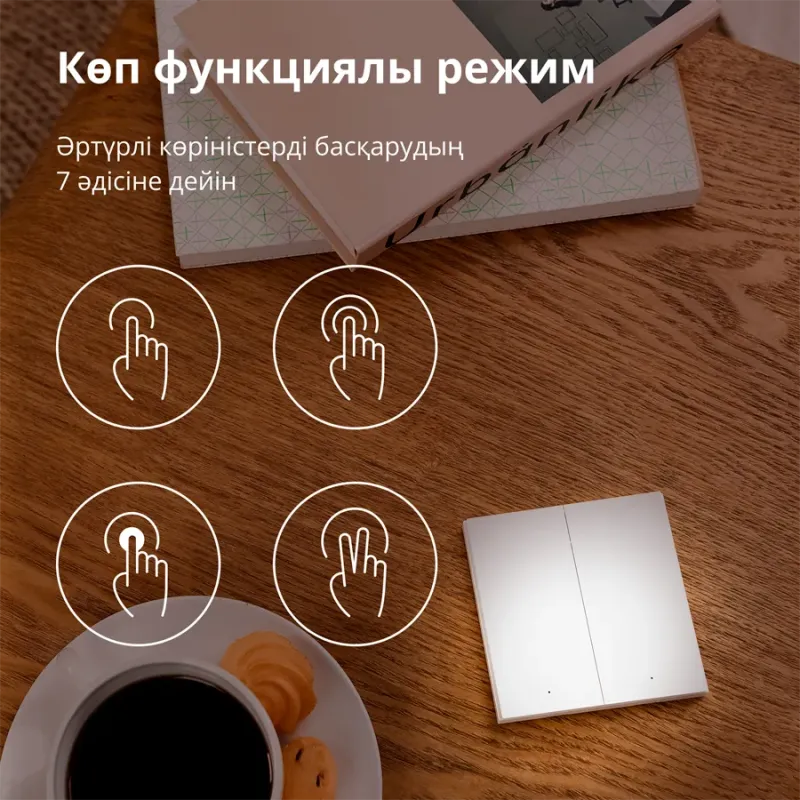
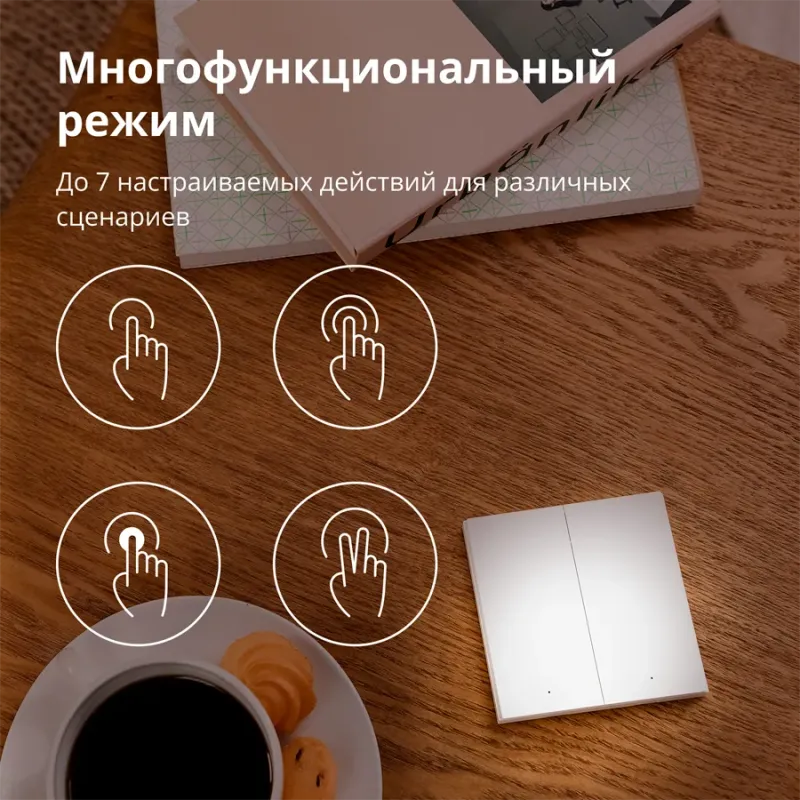
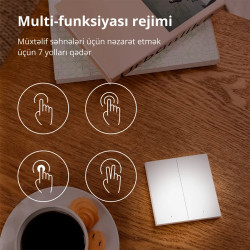
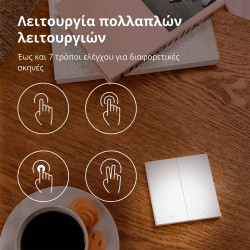
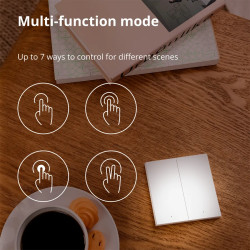
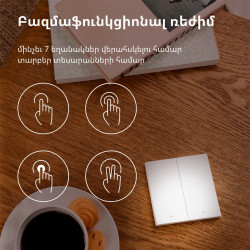
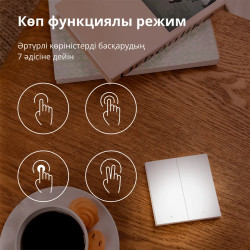
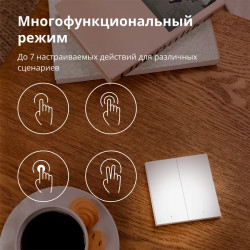
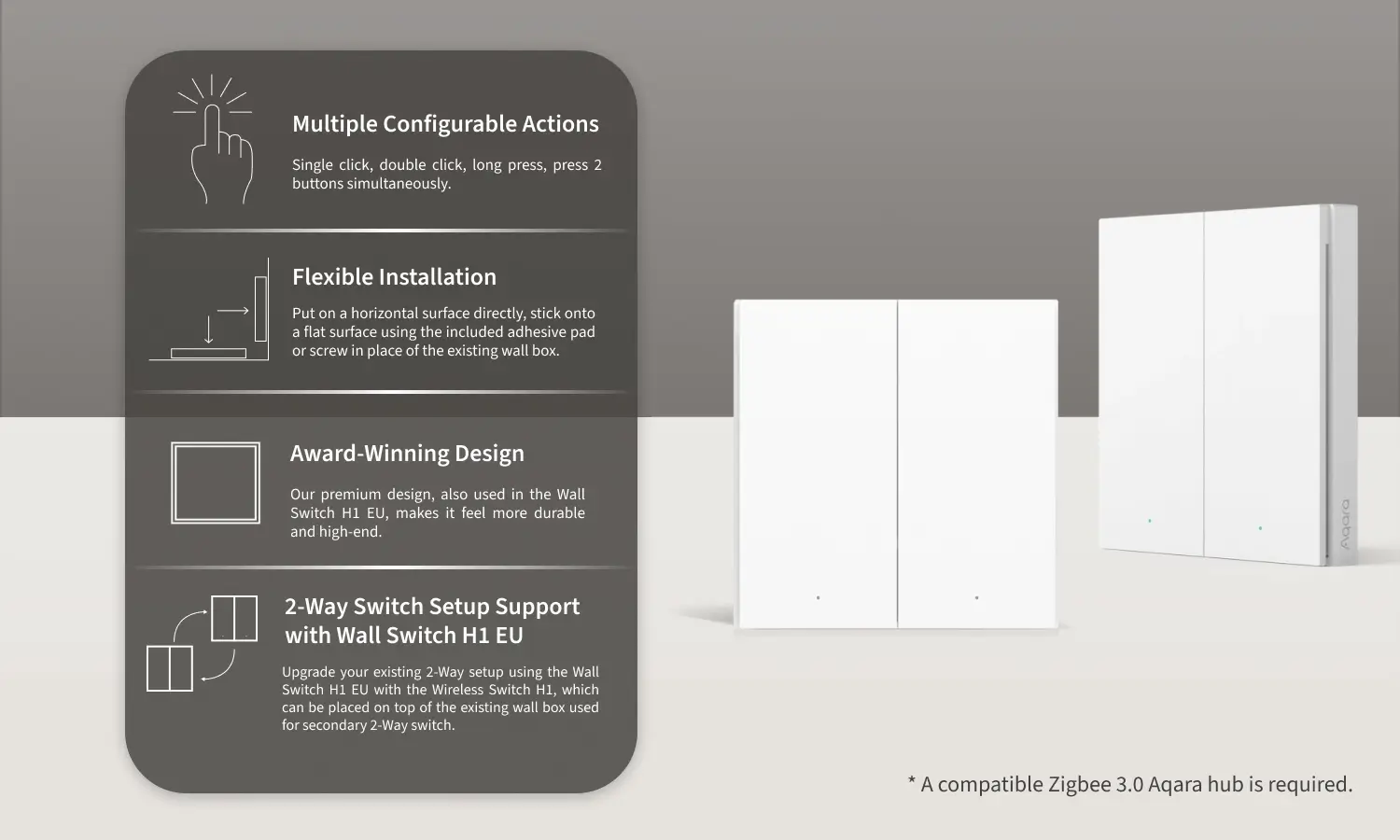
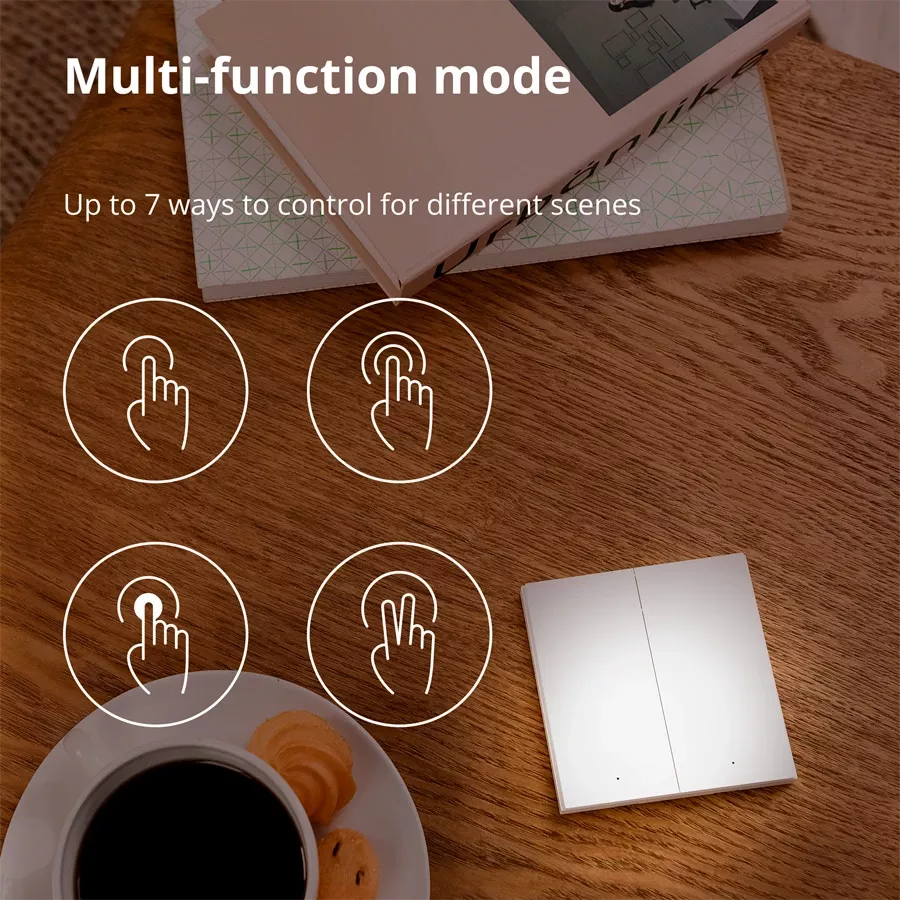
Single click, double click, long press, press 2 buttons simultaneously.
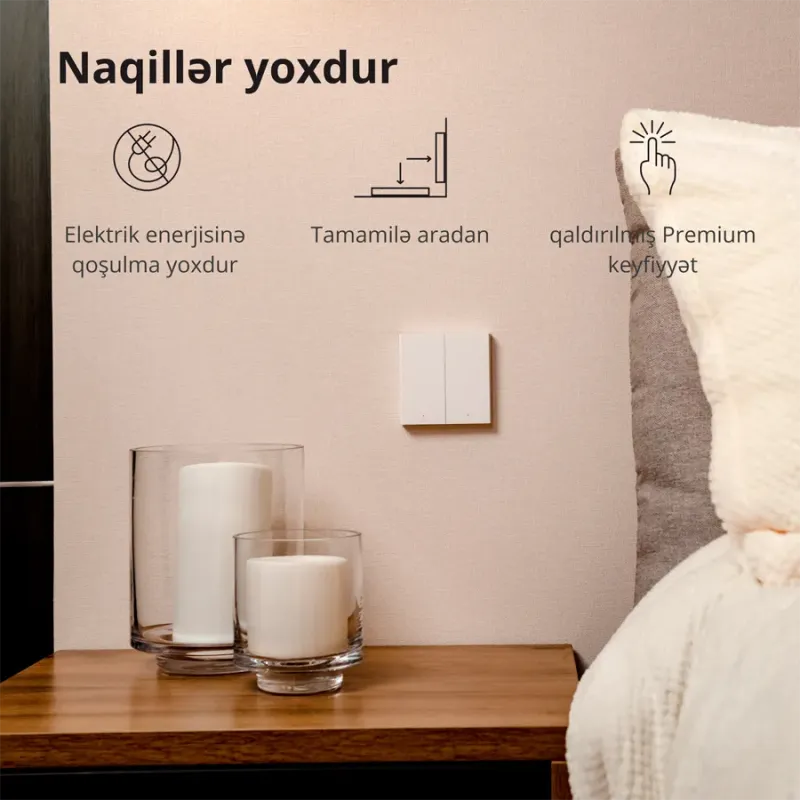
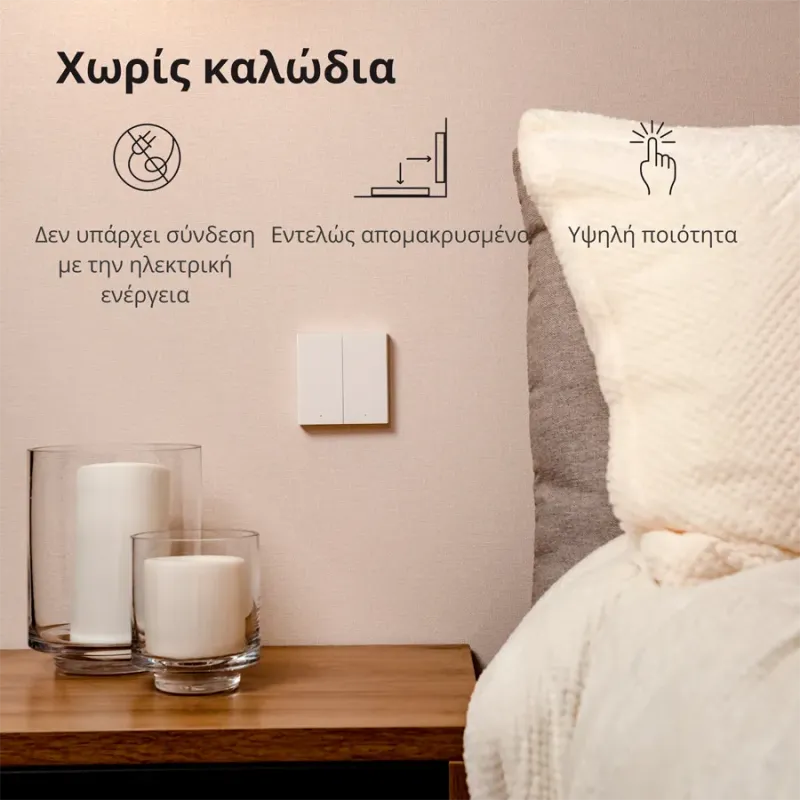
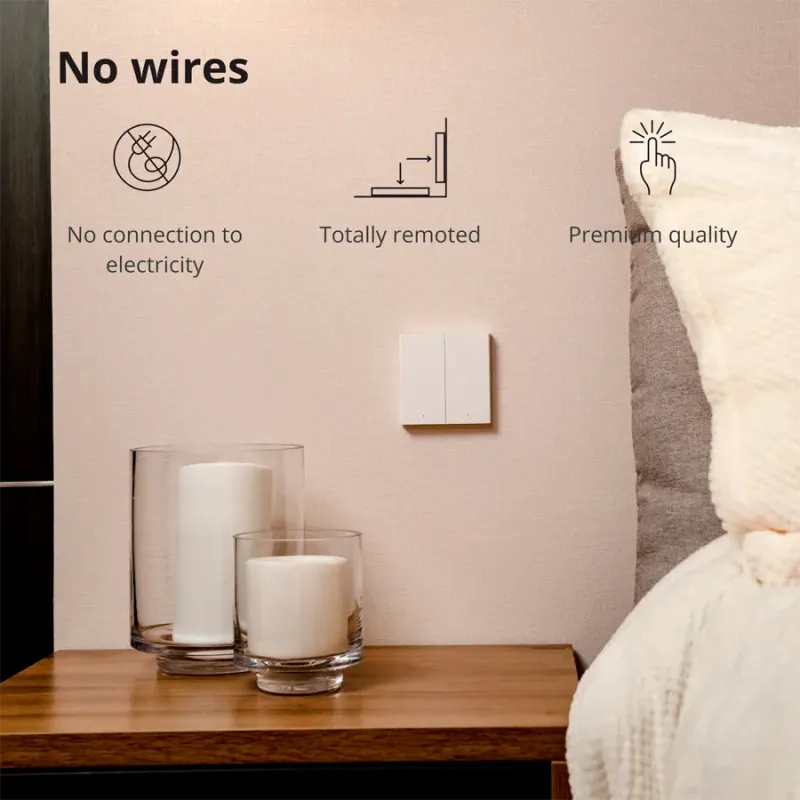
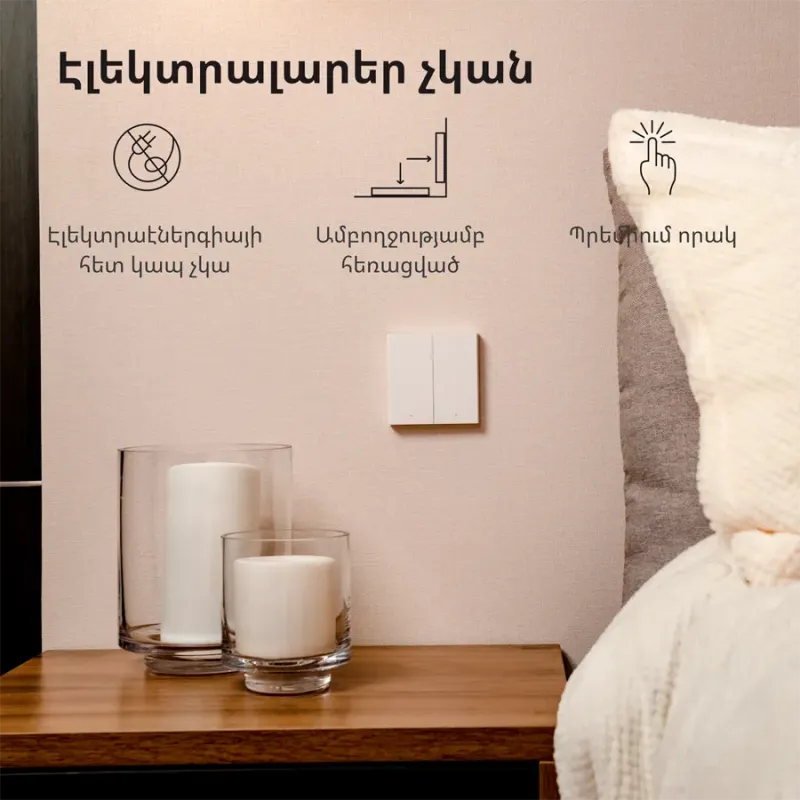
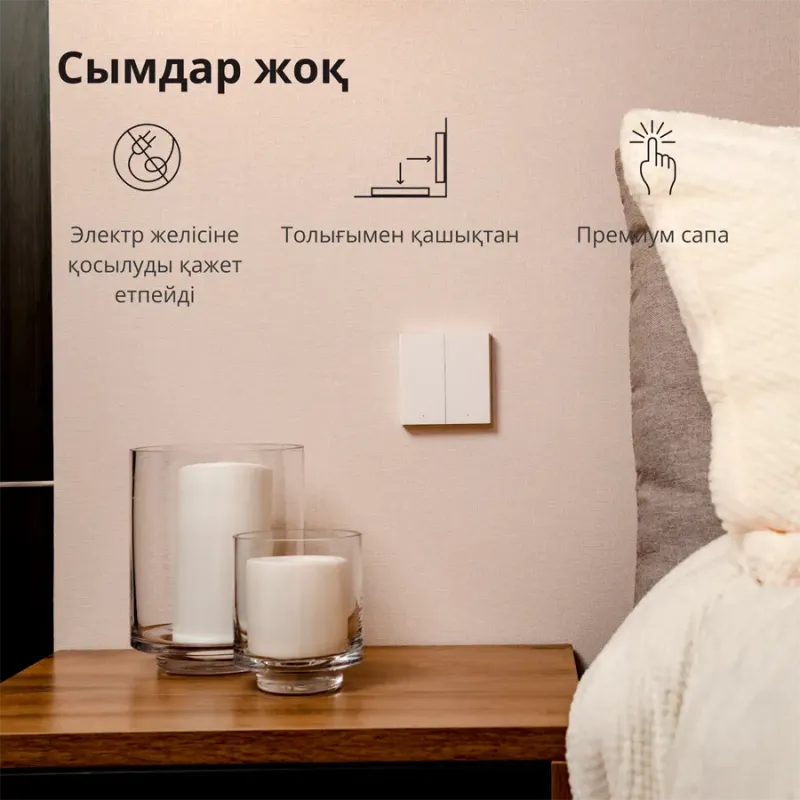
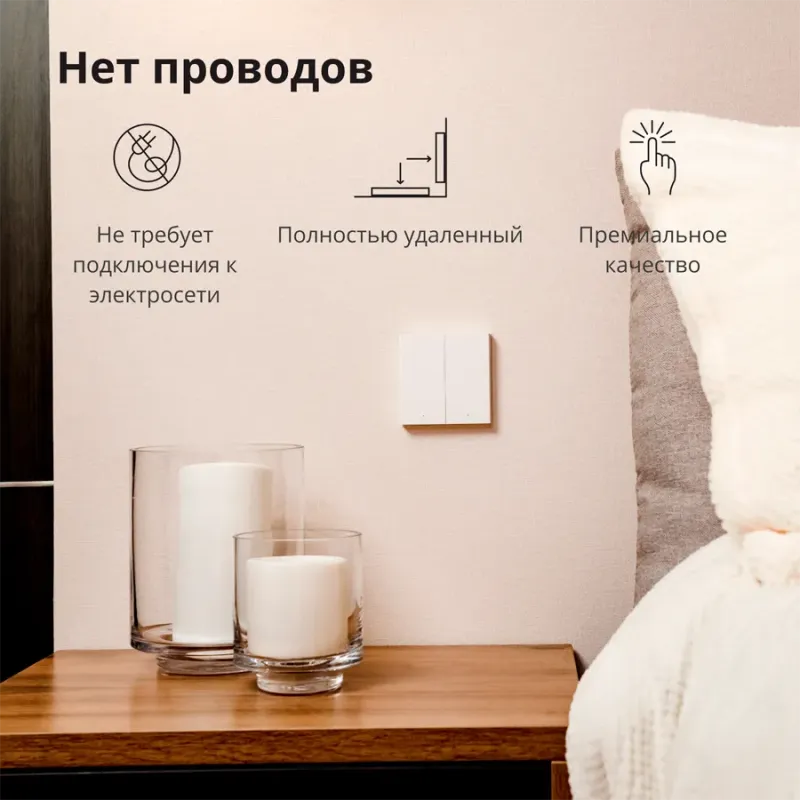
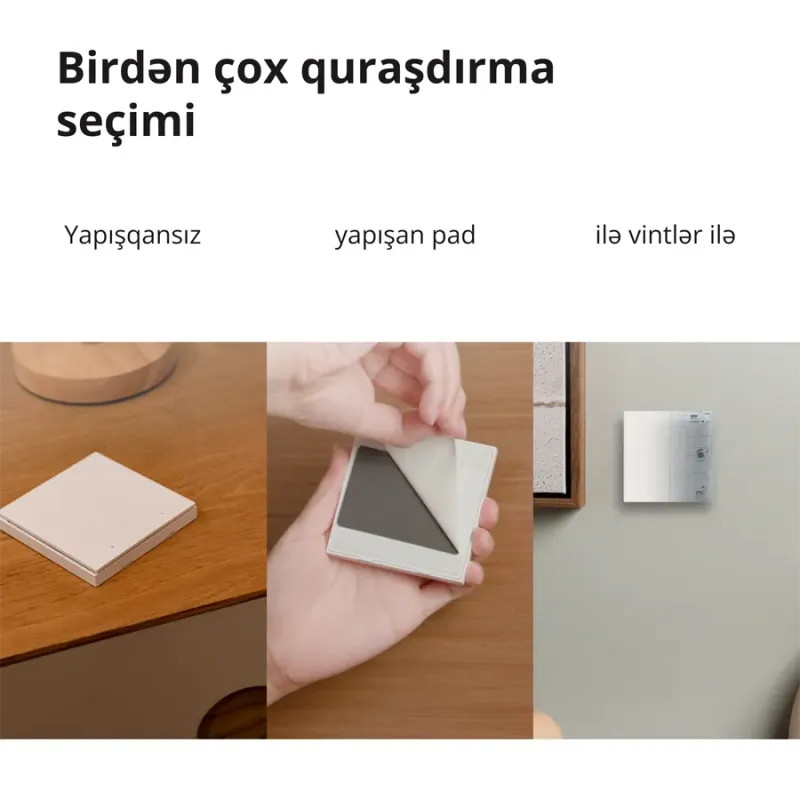
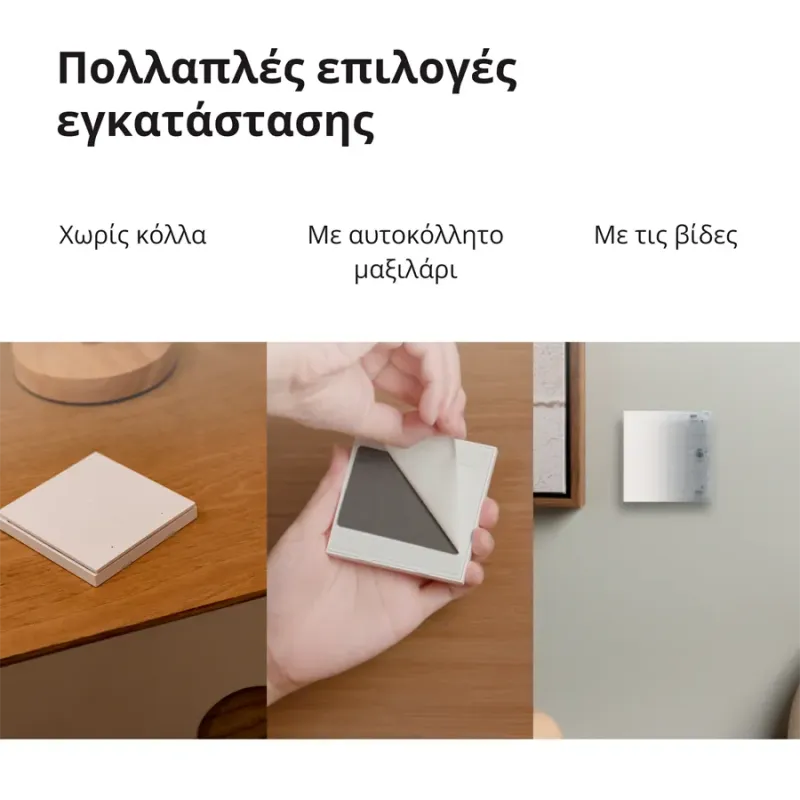
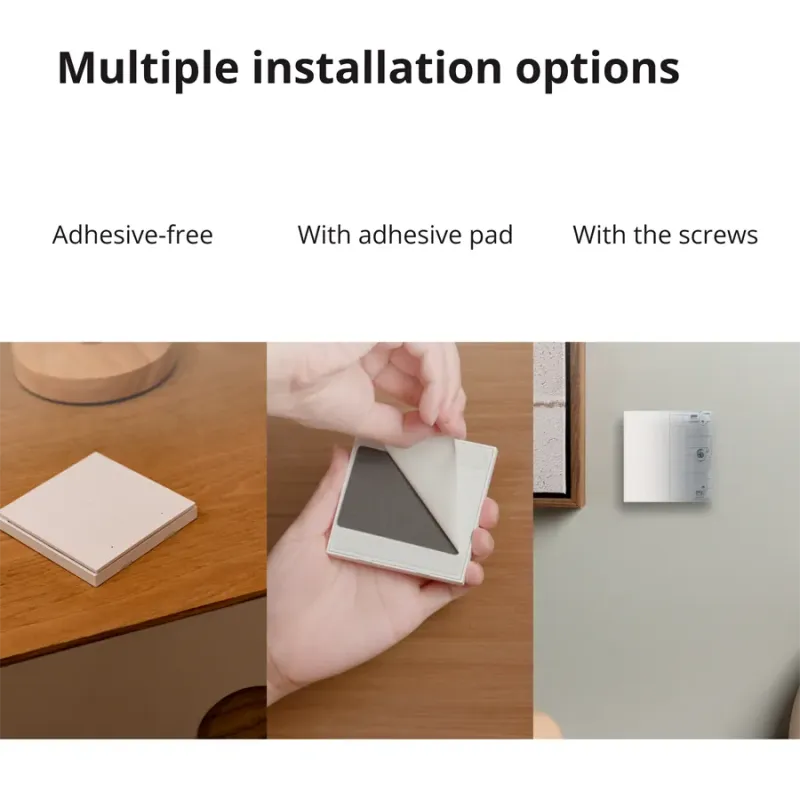
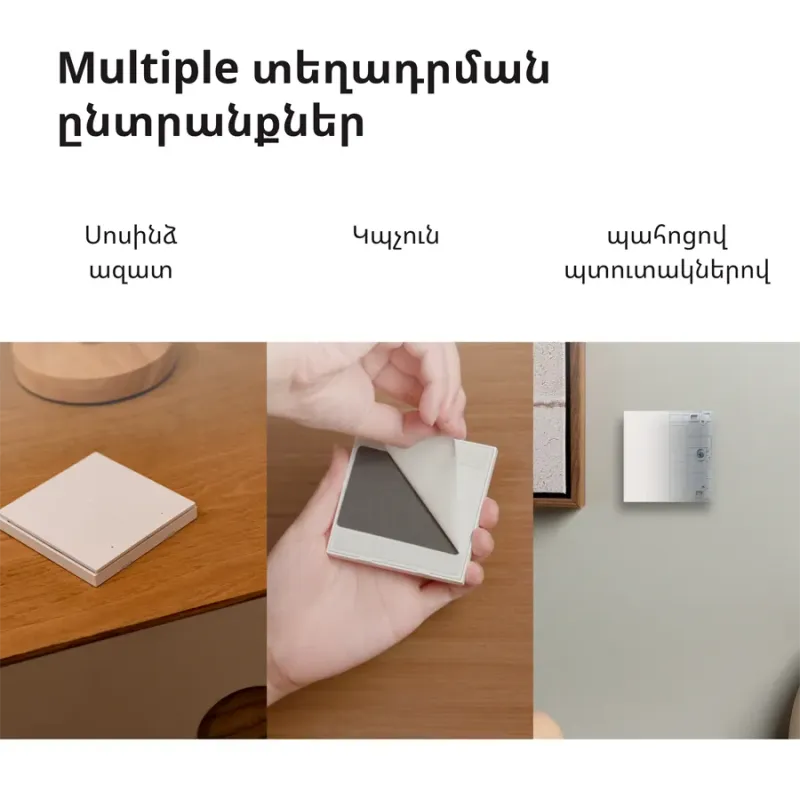
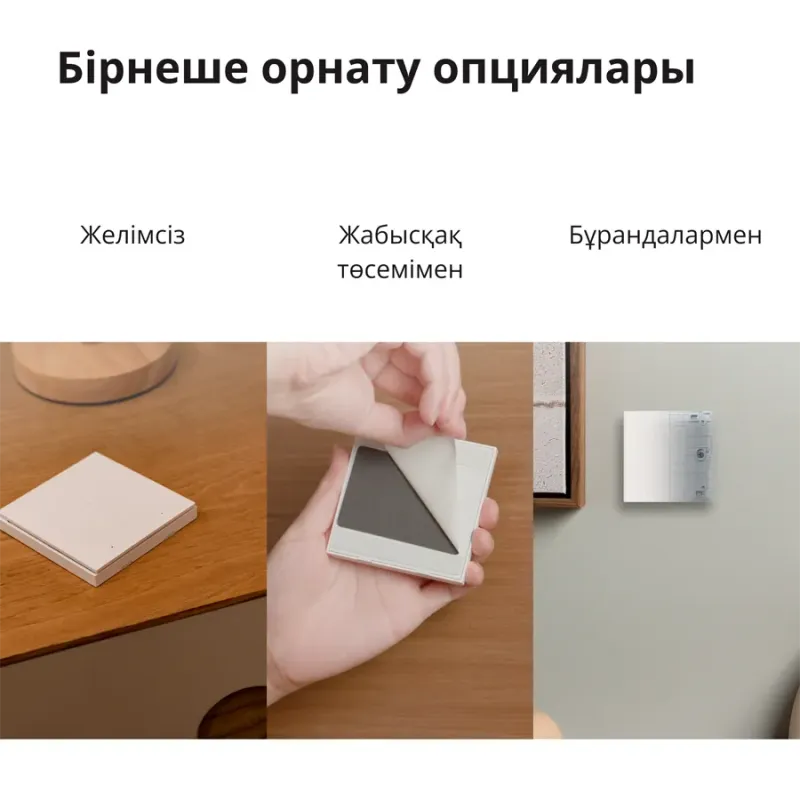
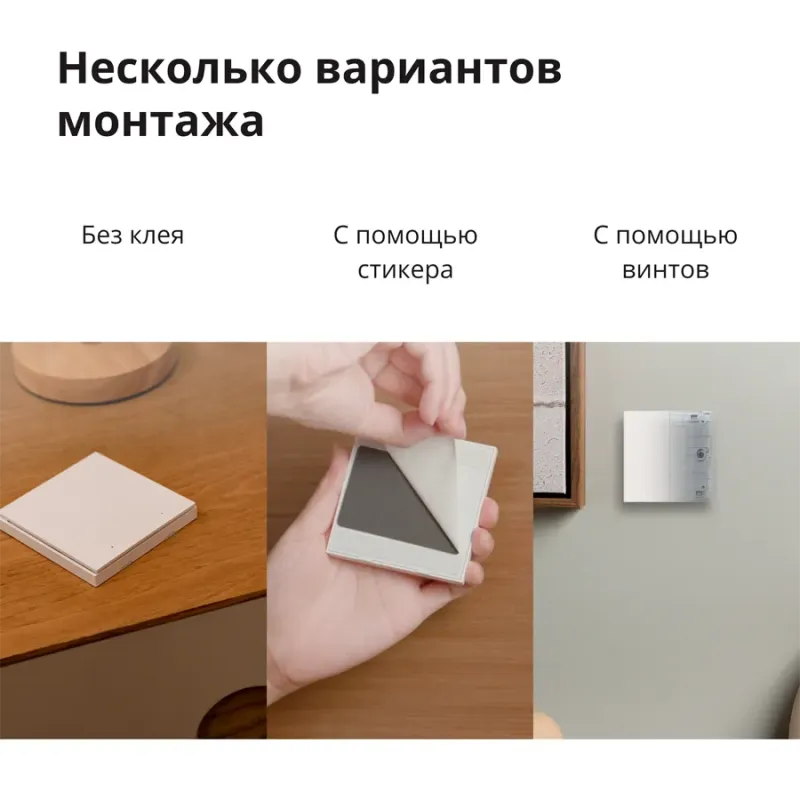
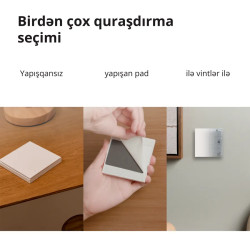
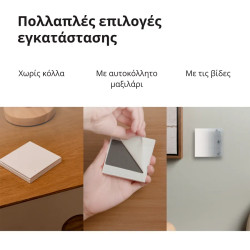
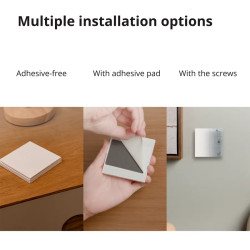
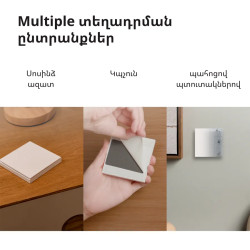
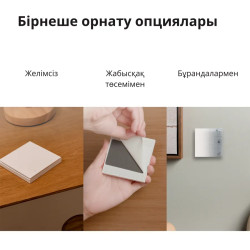
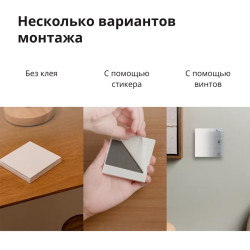
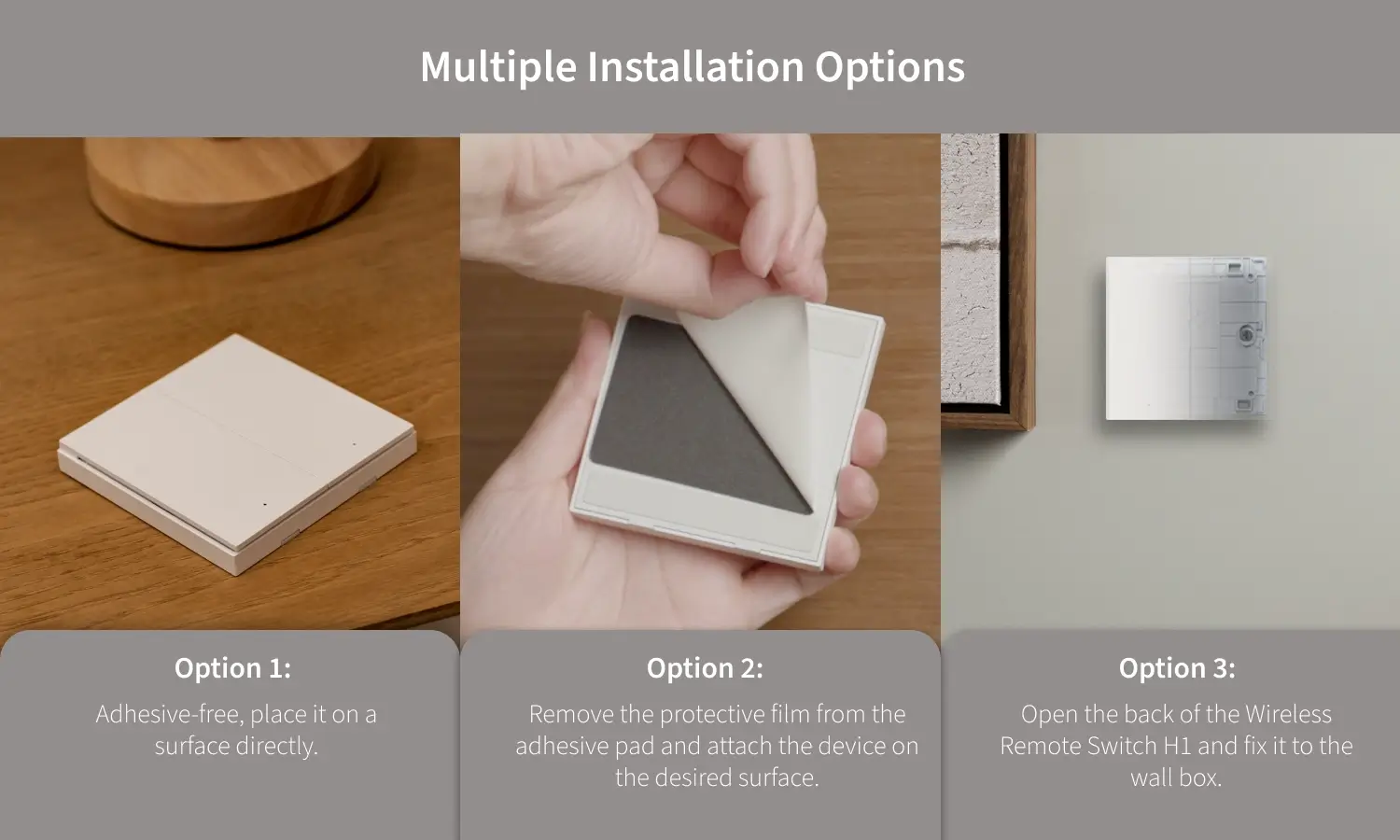
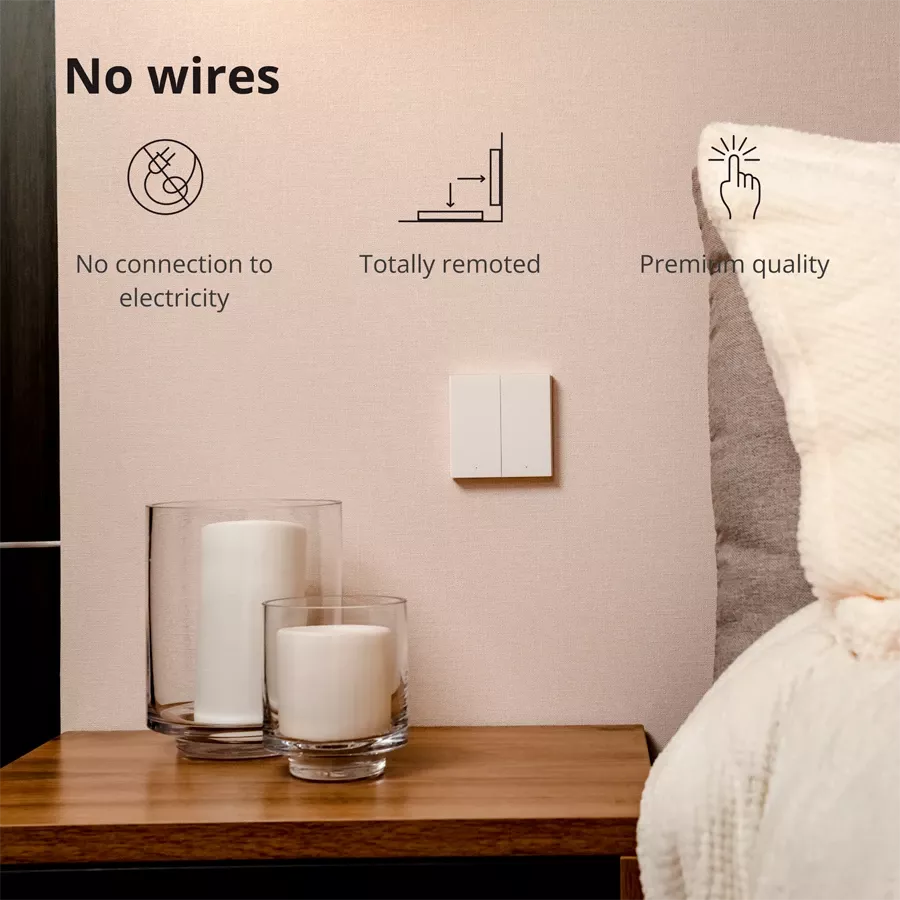
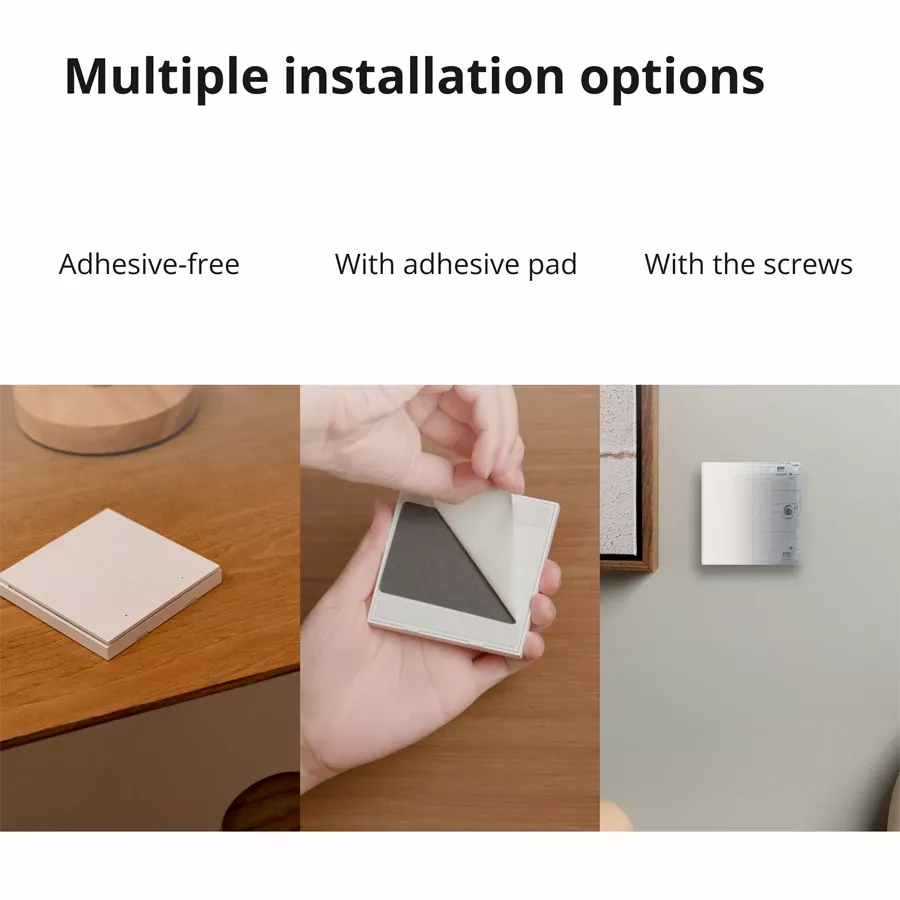
Put on a horizontal surface directly, stick onto a flat surface using the included adhesive pad or screw in place of the existing wall box.
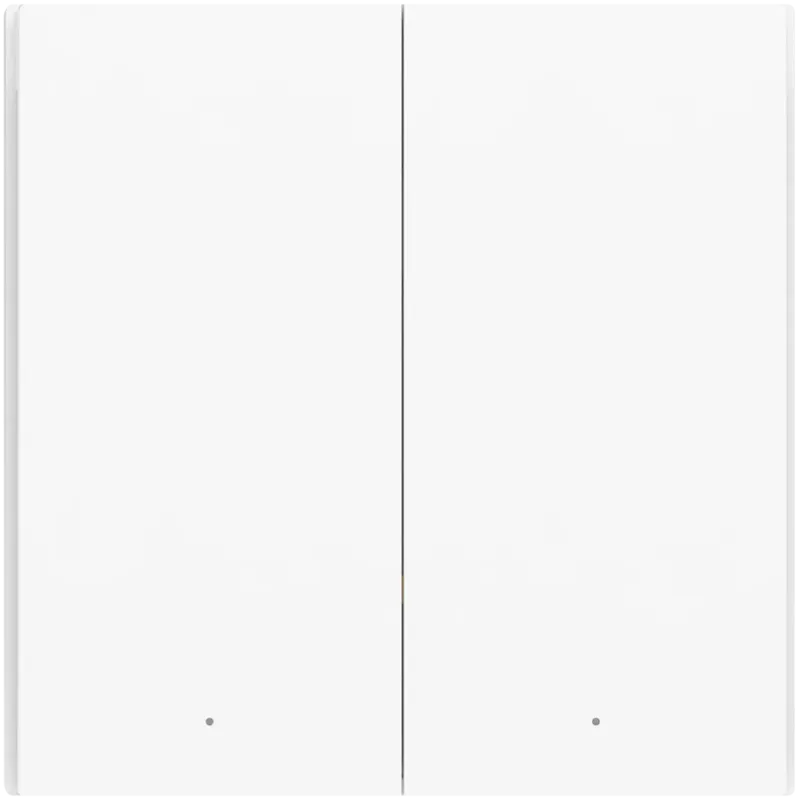
Our premium design, also used in the Wall Switch H1 EU, makes it feel more durable and high-end.
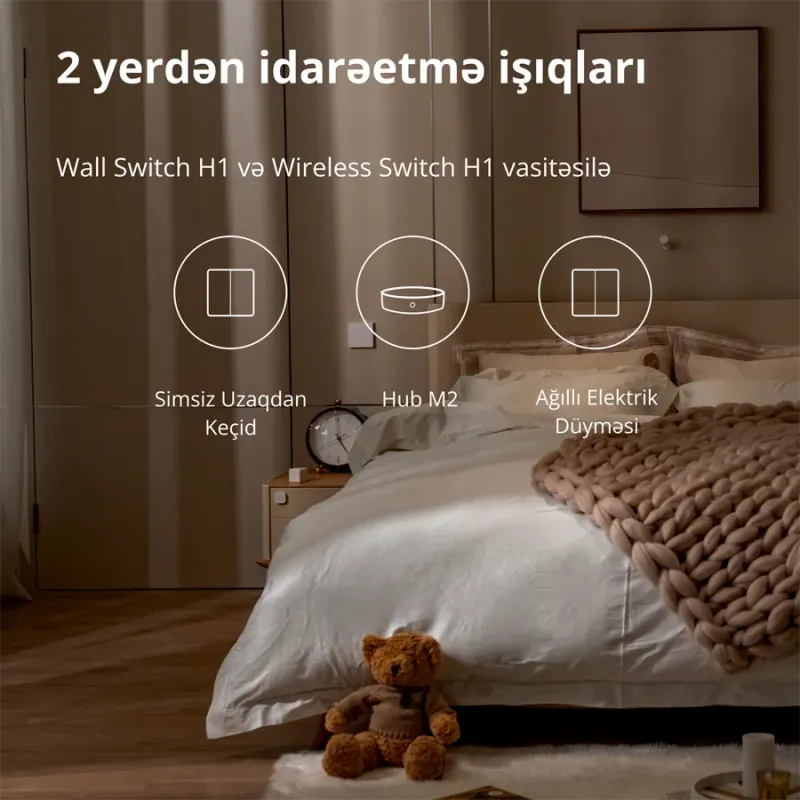
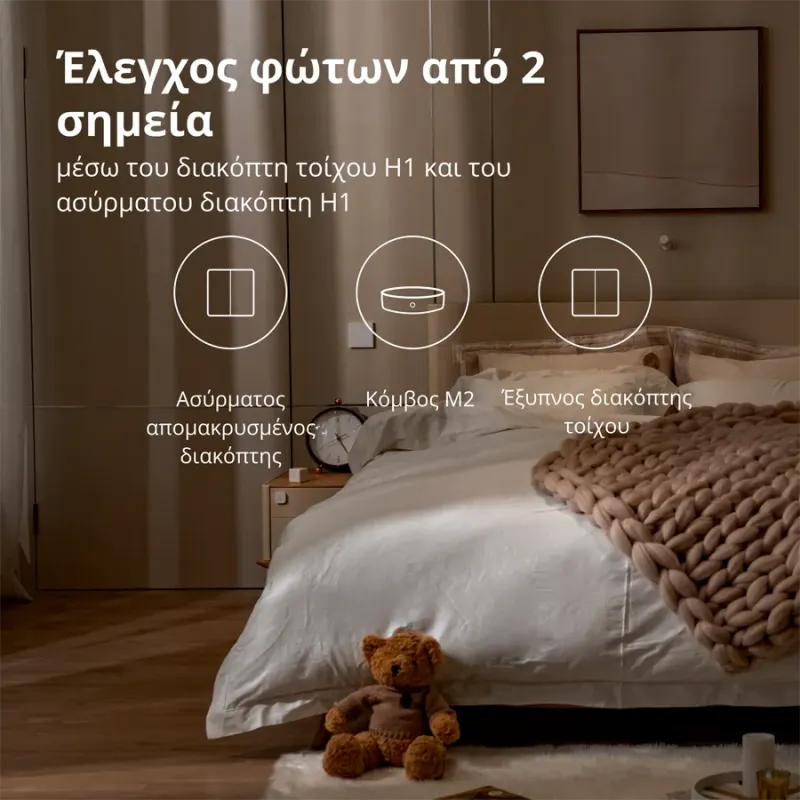
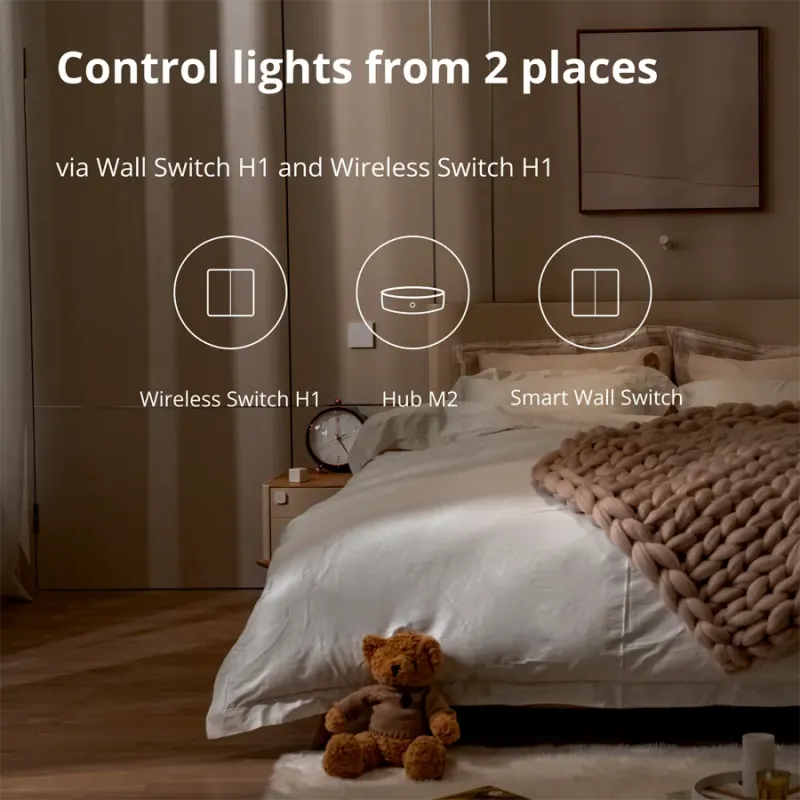
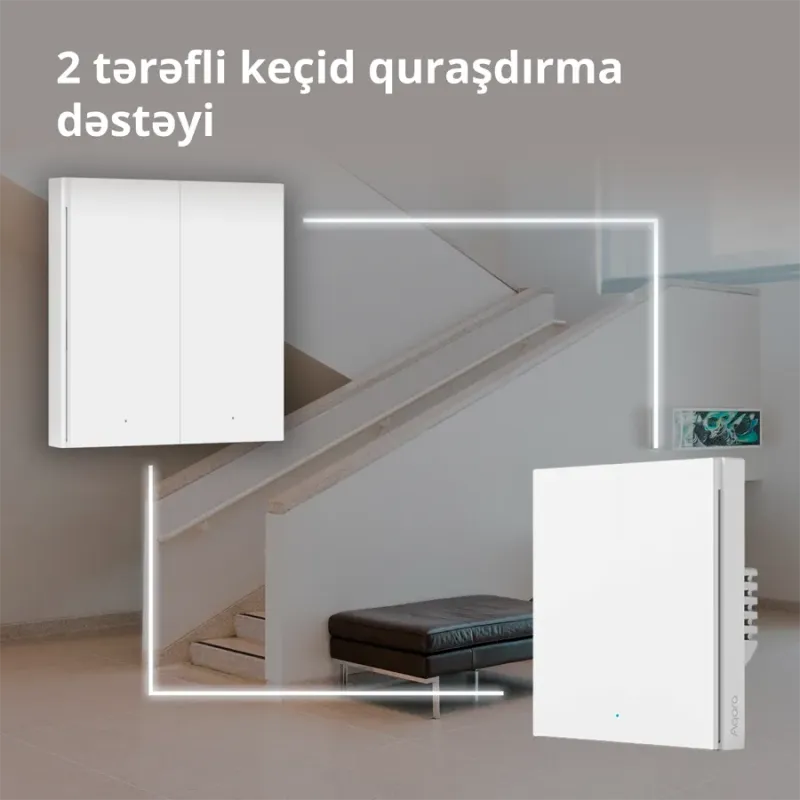
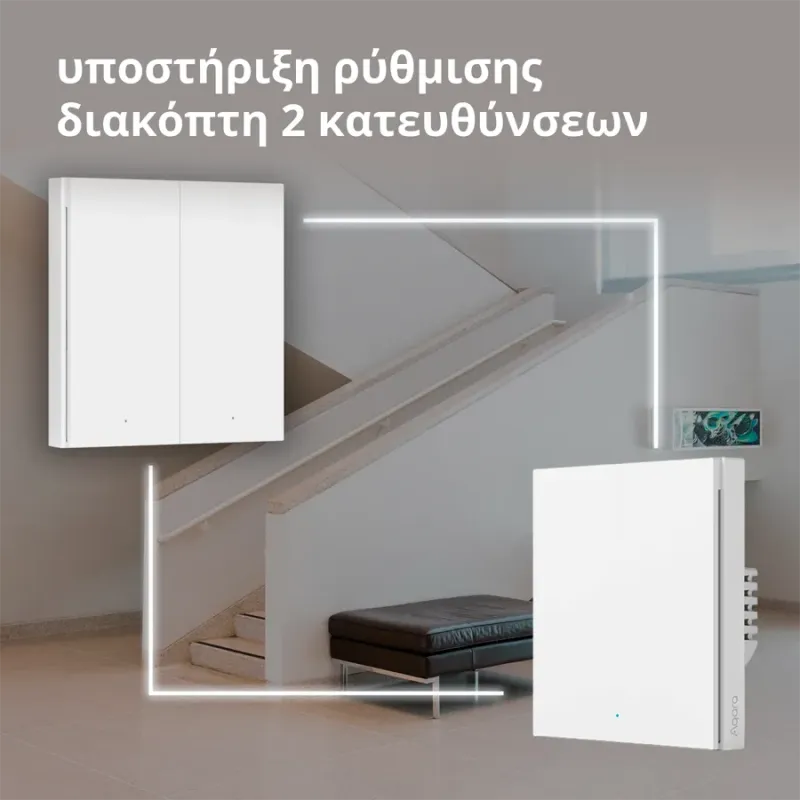
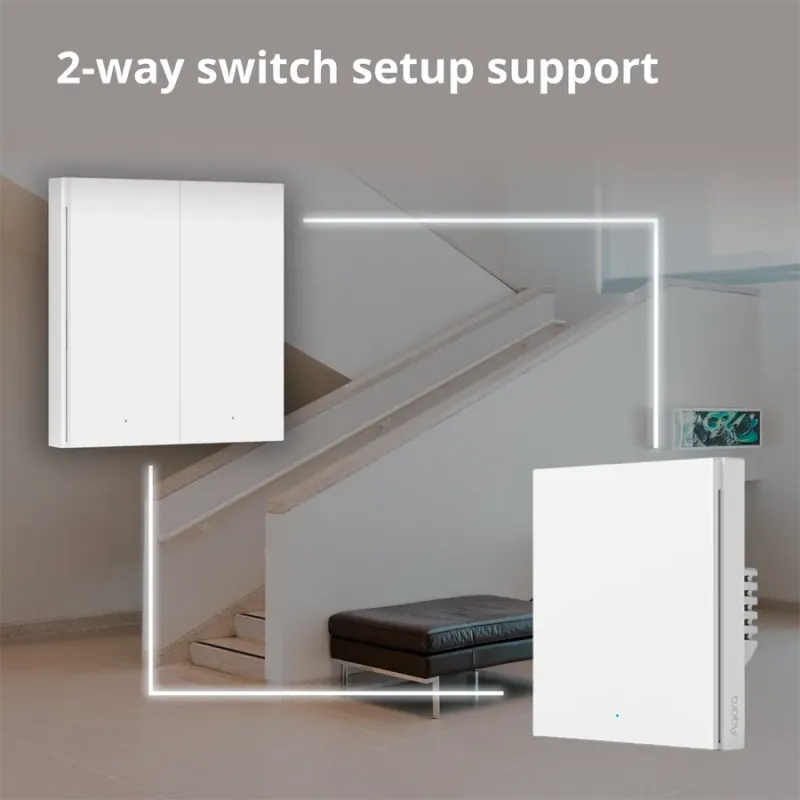
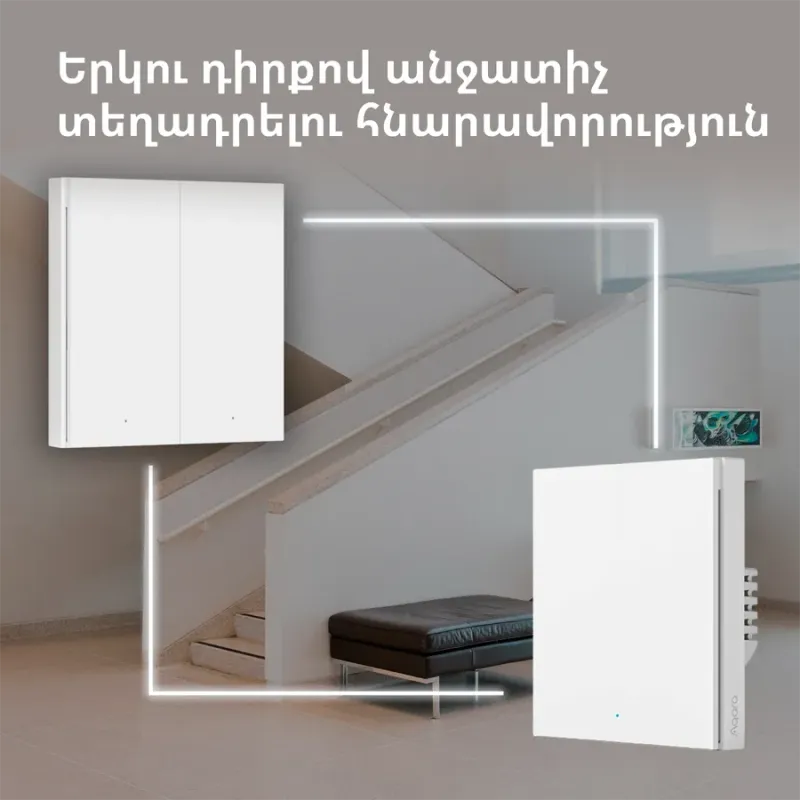
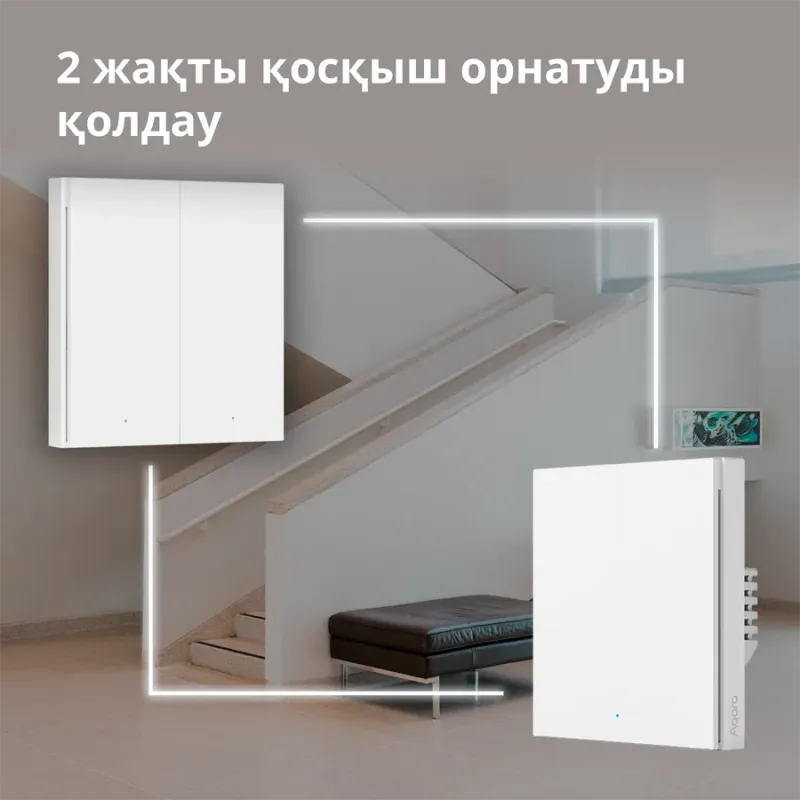
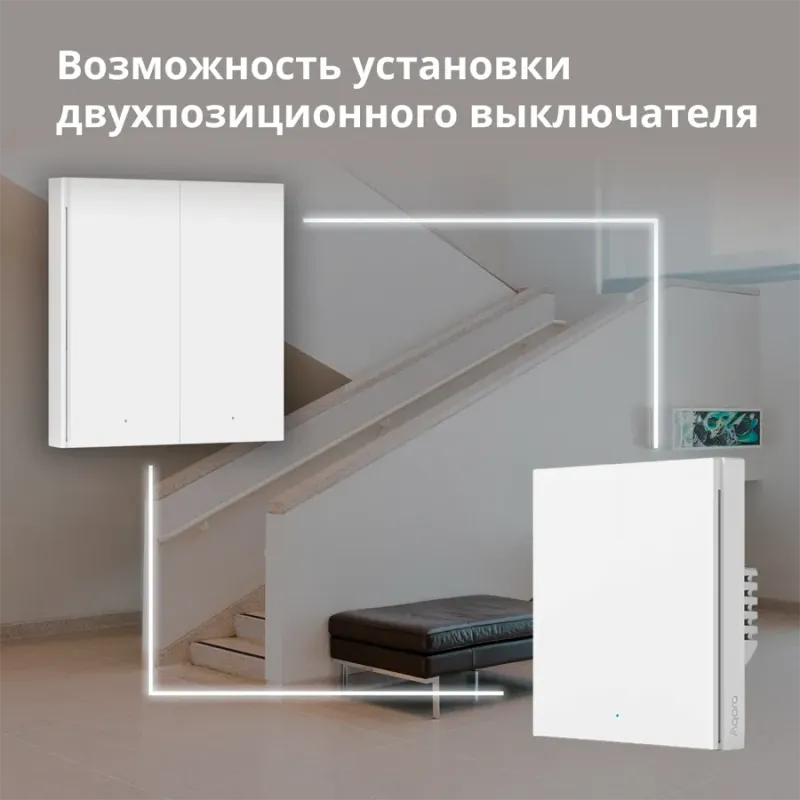
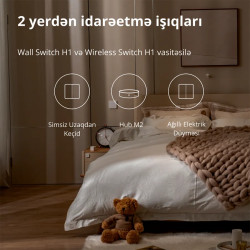
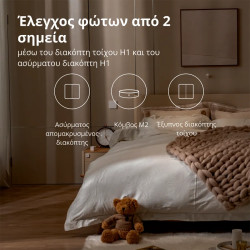
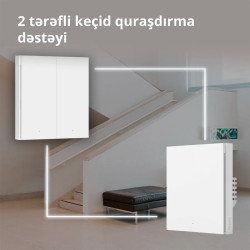
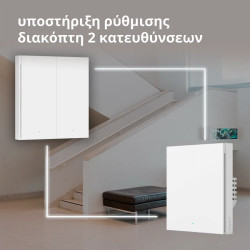
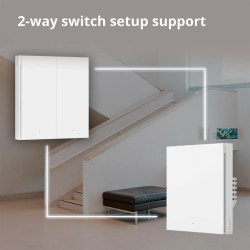
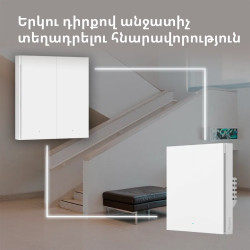
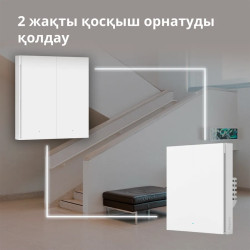
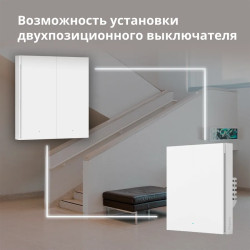
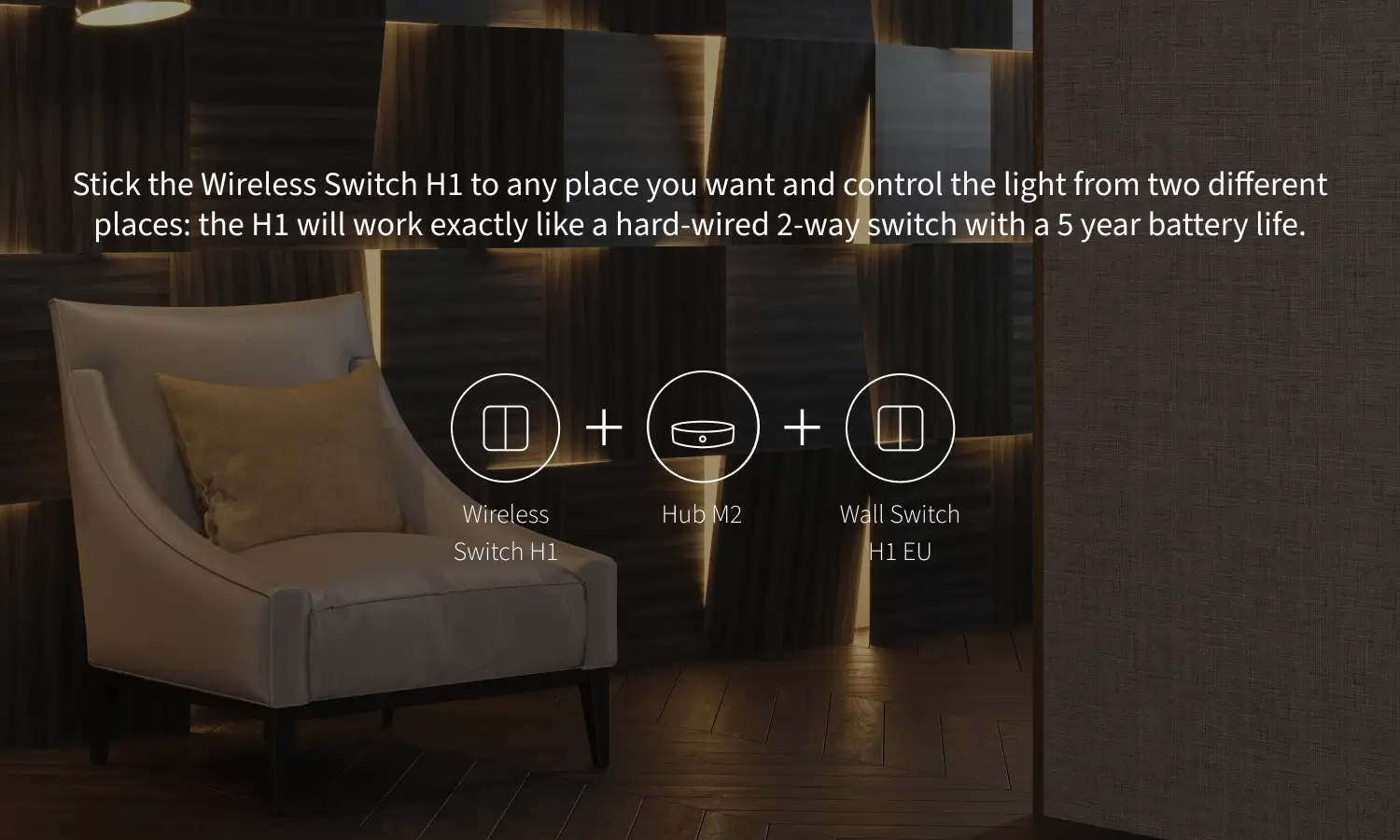
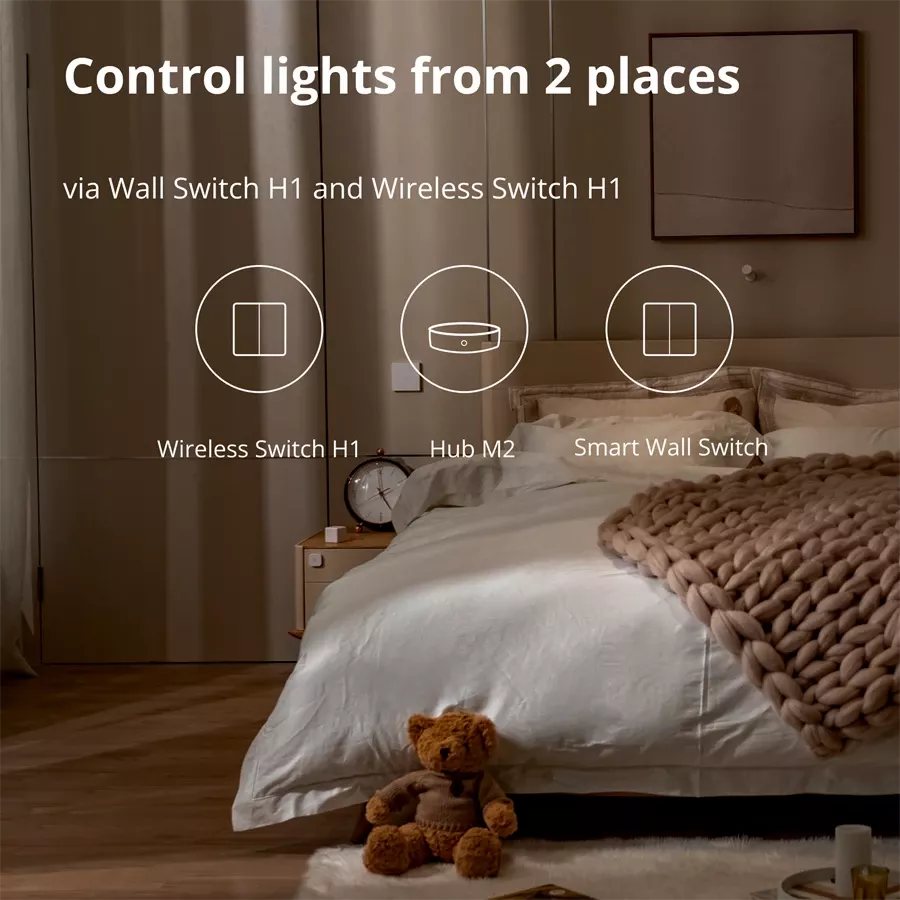
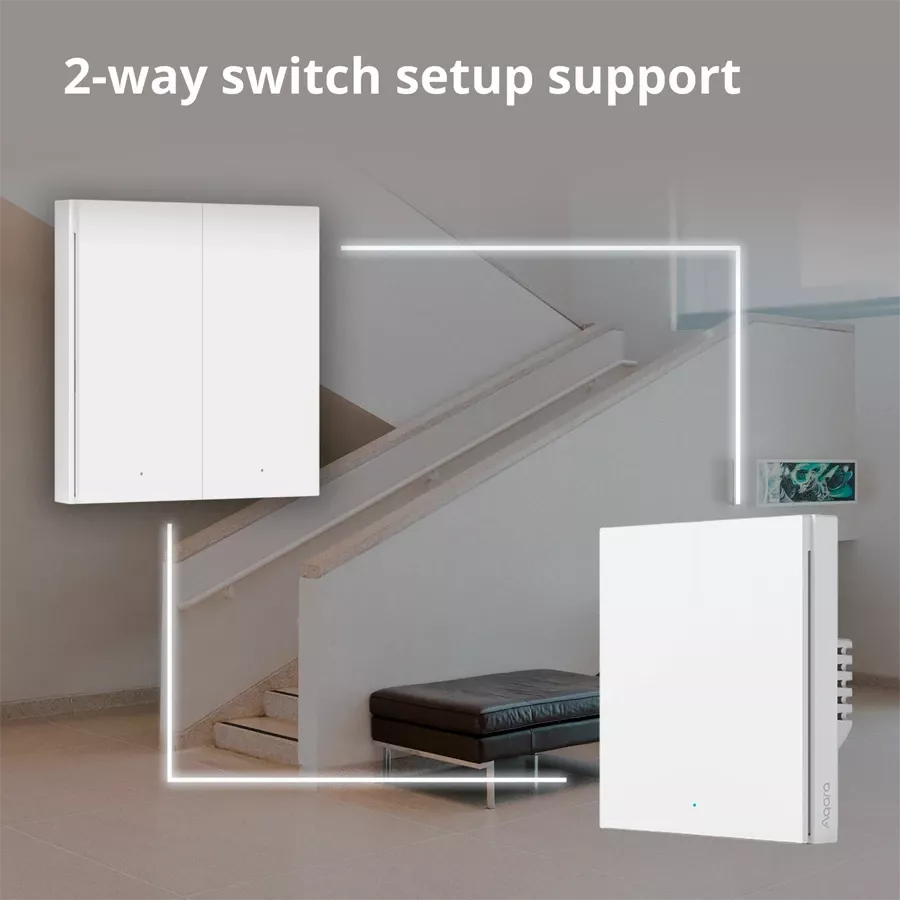
Upgrade your existing 2-Way setup using the Wall Switch H1 EU with the Wireless Switch H1, which can be placed on top of the existing wall box used for secondary 2-Way switch.
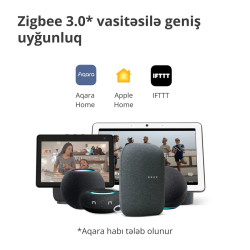
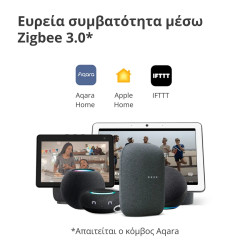
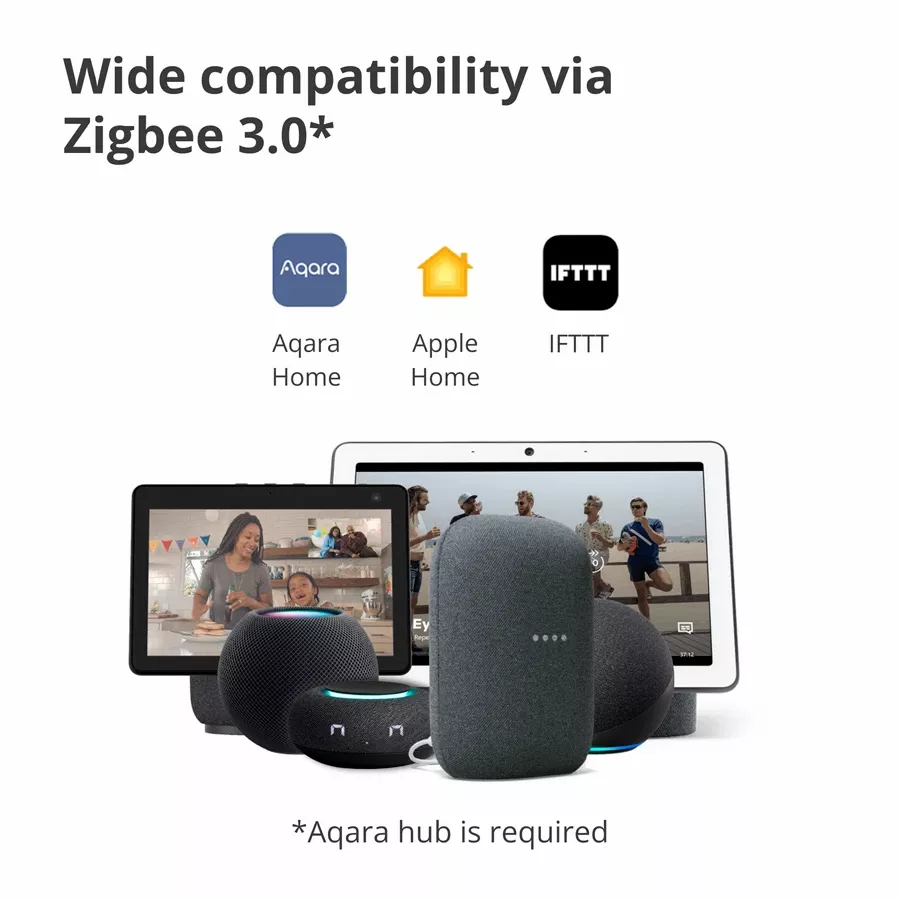
* A compatible Zigbee 3.0 Aqara hub is required.
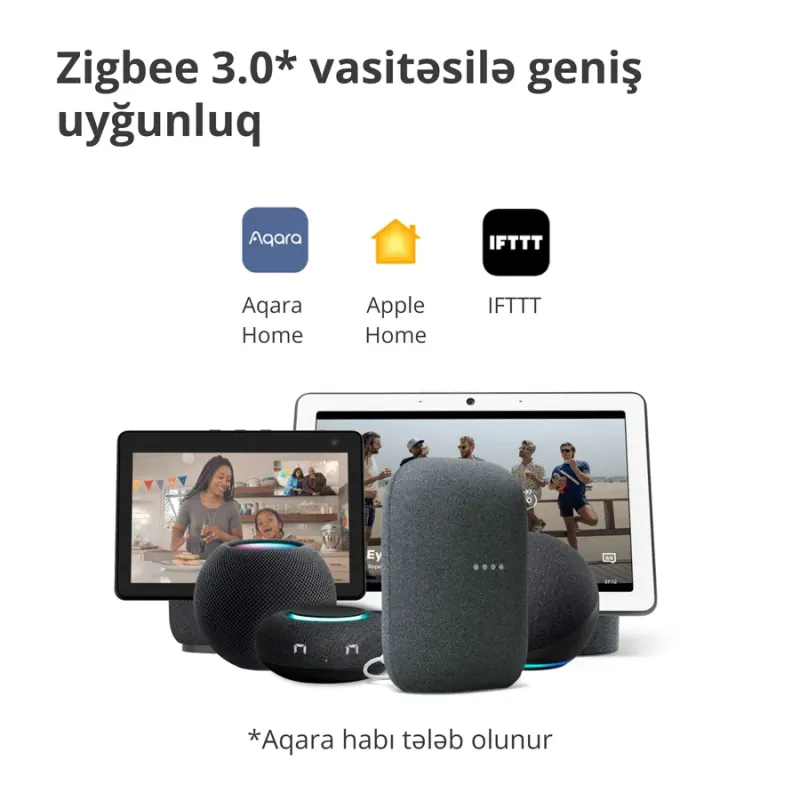
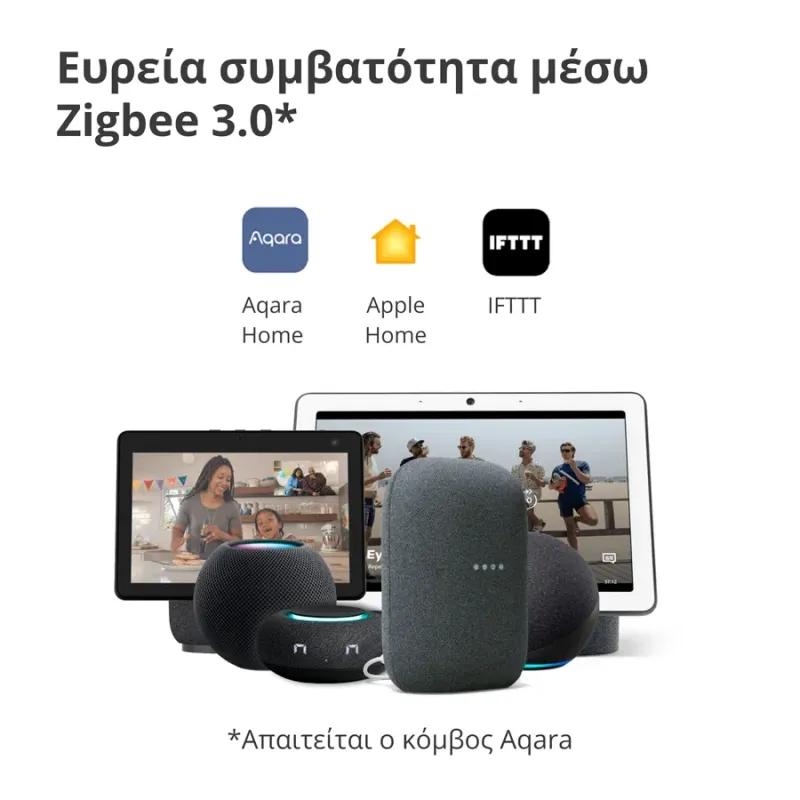
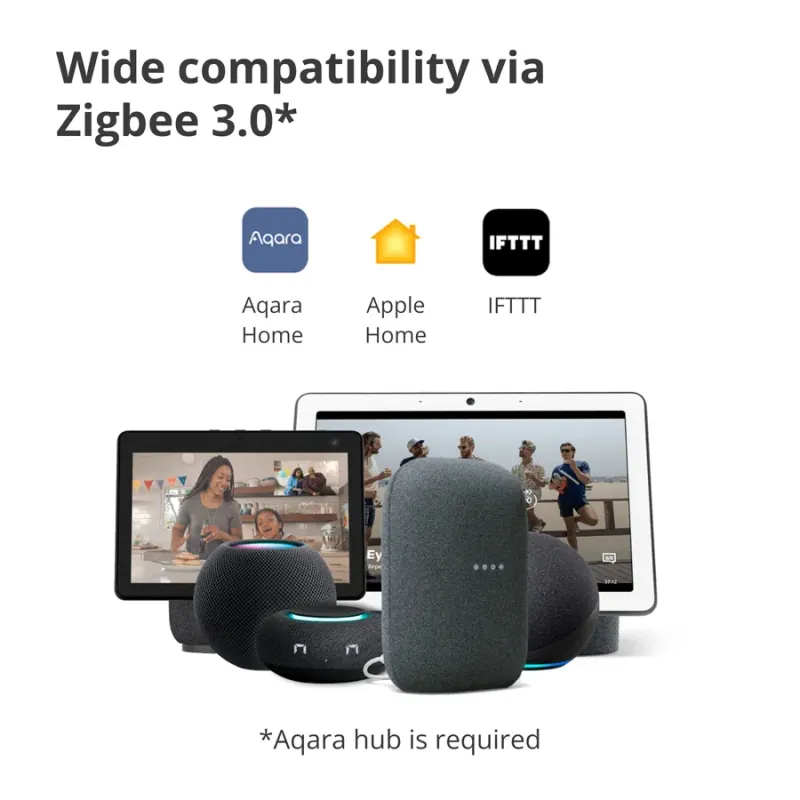
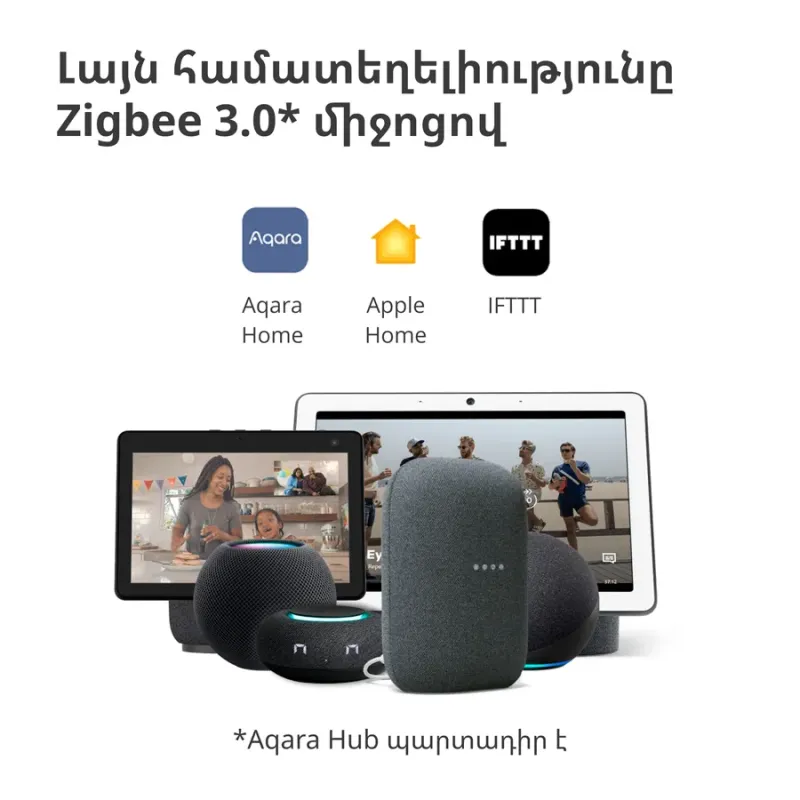
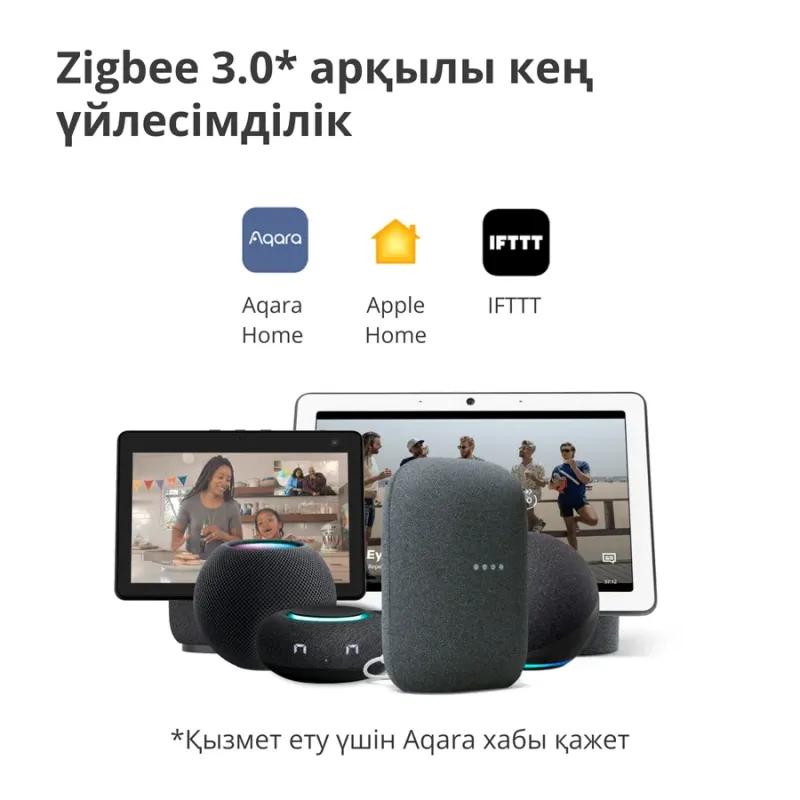
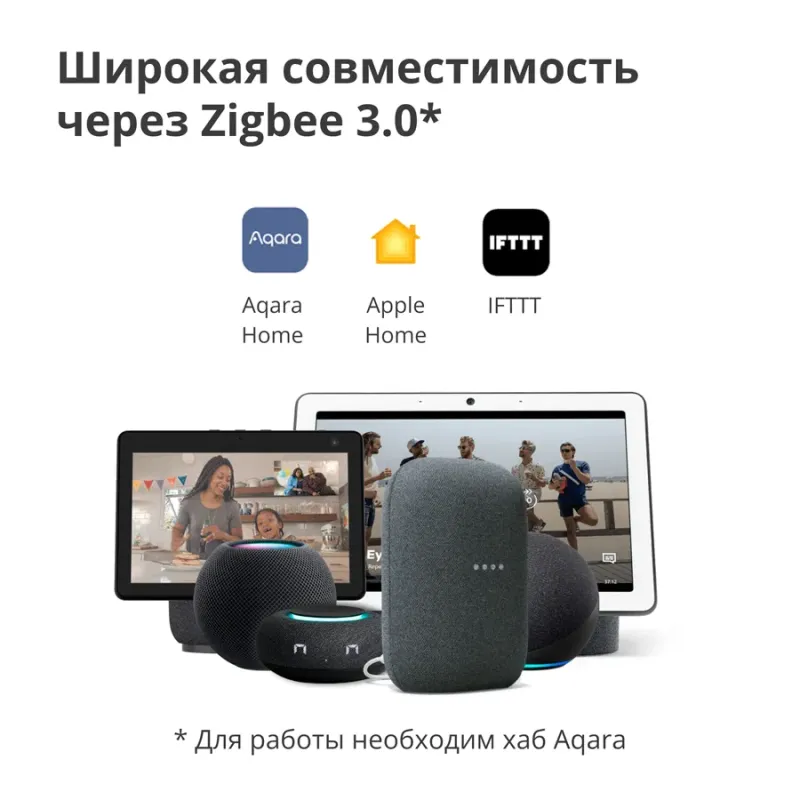
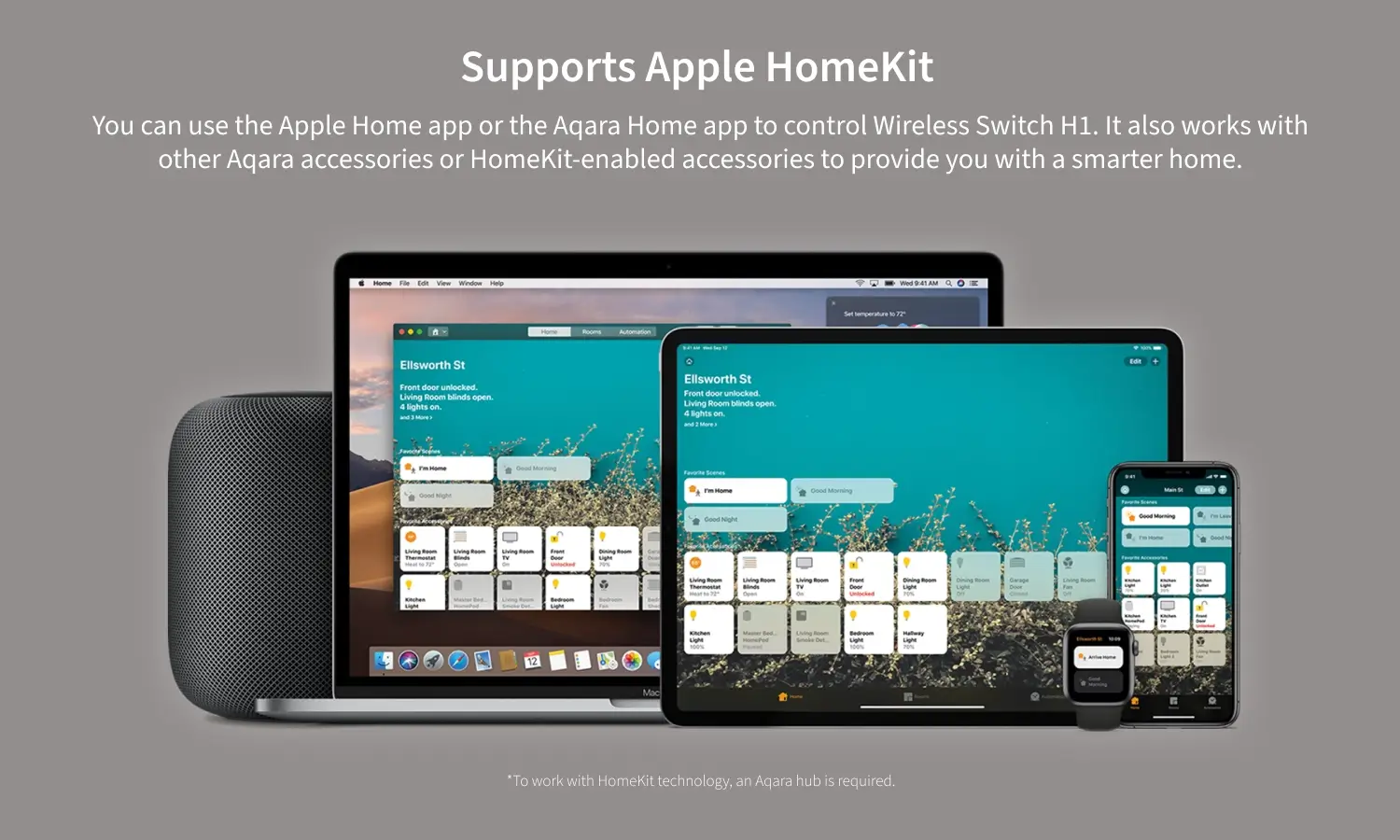
You can use the Apple Home app or the Aqara Home app to control Wireless Switch H1. It also works with other Aqara accessories or HomeKit-enabled accessories to provide you with a smarter home.
*To work with HomeKit technology, an Aqara hub is required.
Low power consumption for more than 5 years of standby time
You can raise and lower your shades to the level you set. Use your app to control it anytime and anywhere.
Up to 7 ways to control for different scenes
Almost immediate response
50ms response time
*50 ms is the response time after pressing the key. In this mode, only one click is supported. Double click is regarded as double click, long press is regarded as one click.
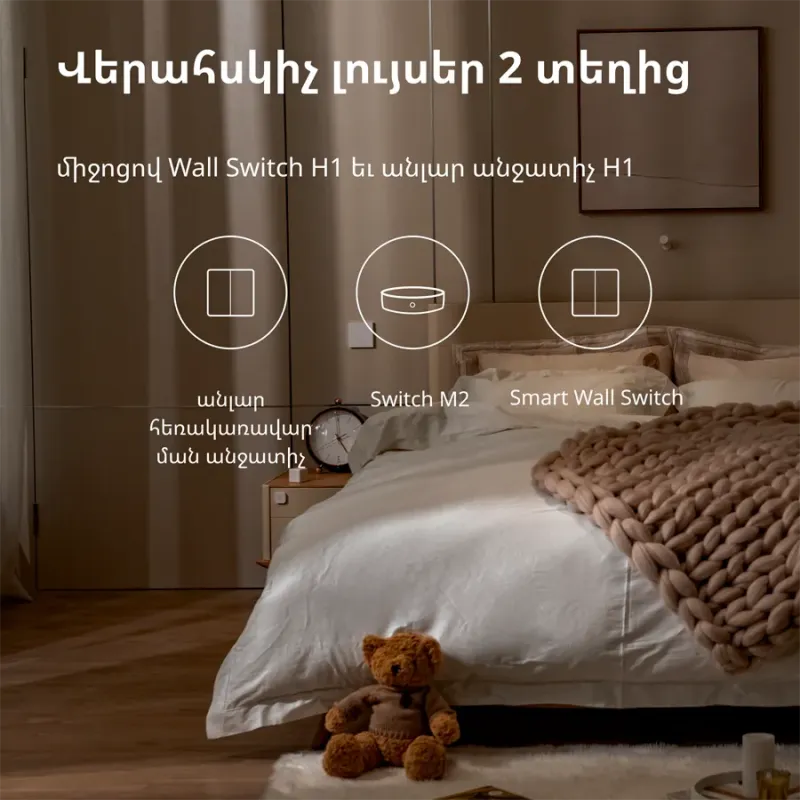
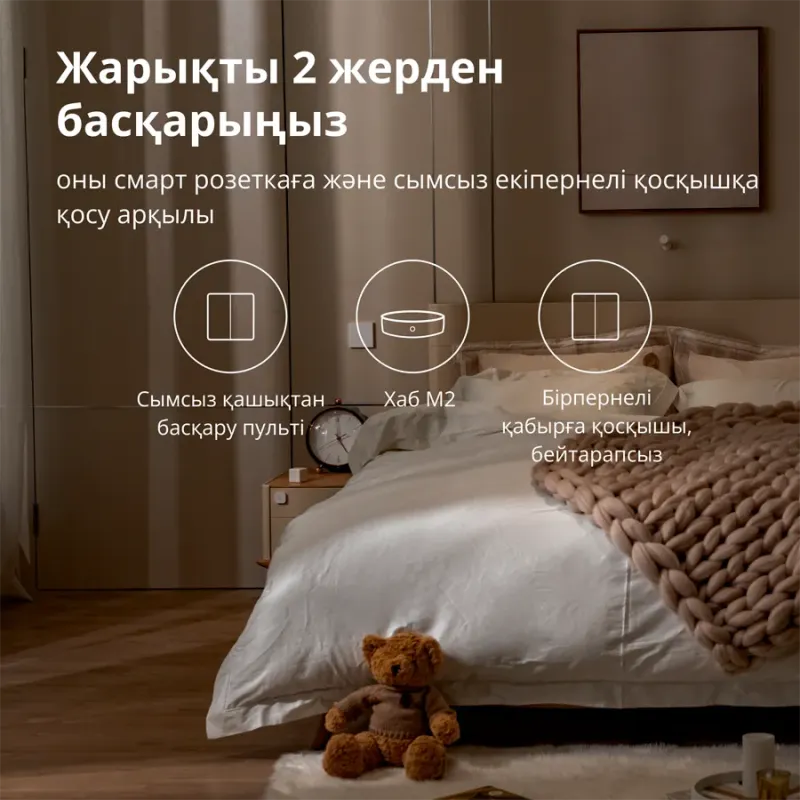
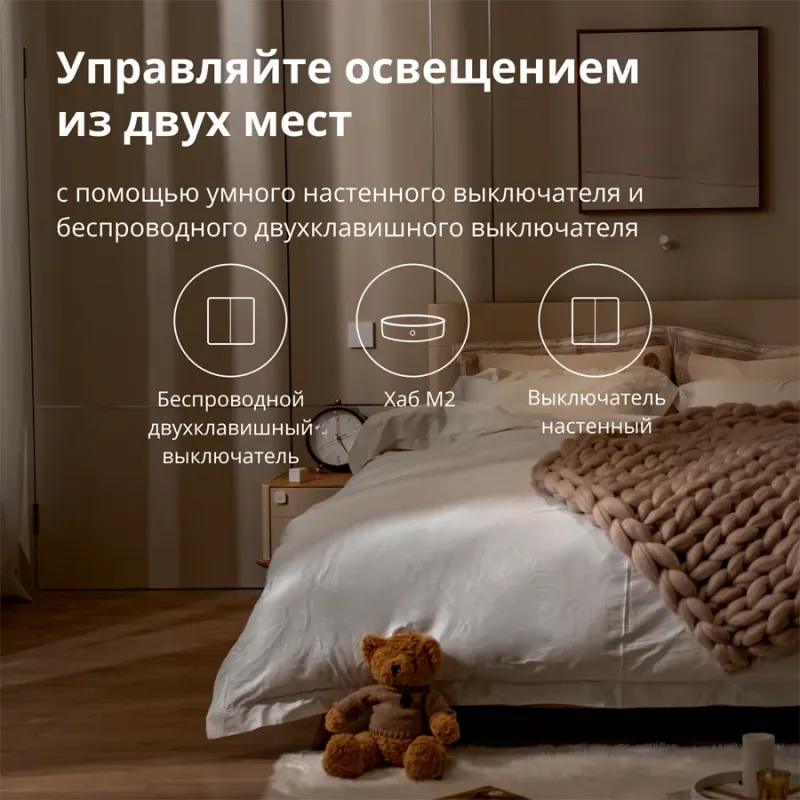
Stick the Wireless Switch H1 to any place you want and control the light from two different places: the H1 will work exactly like a hard-wired 2-way switch with a 5 year battery life.
+
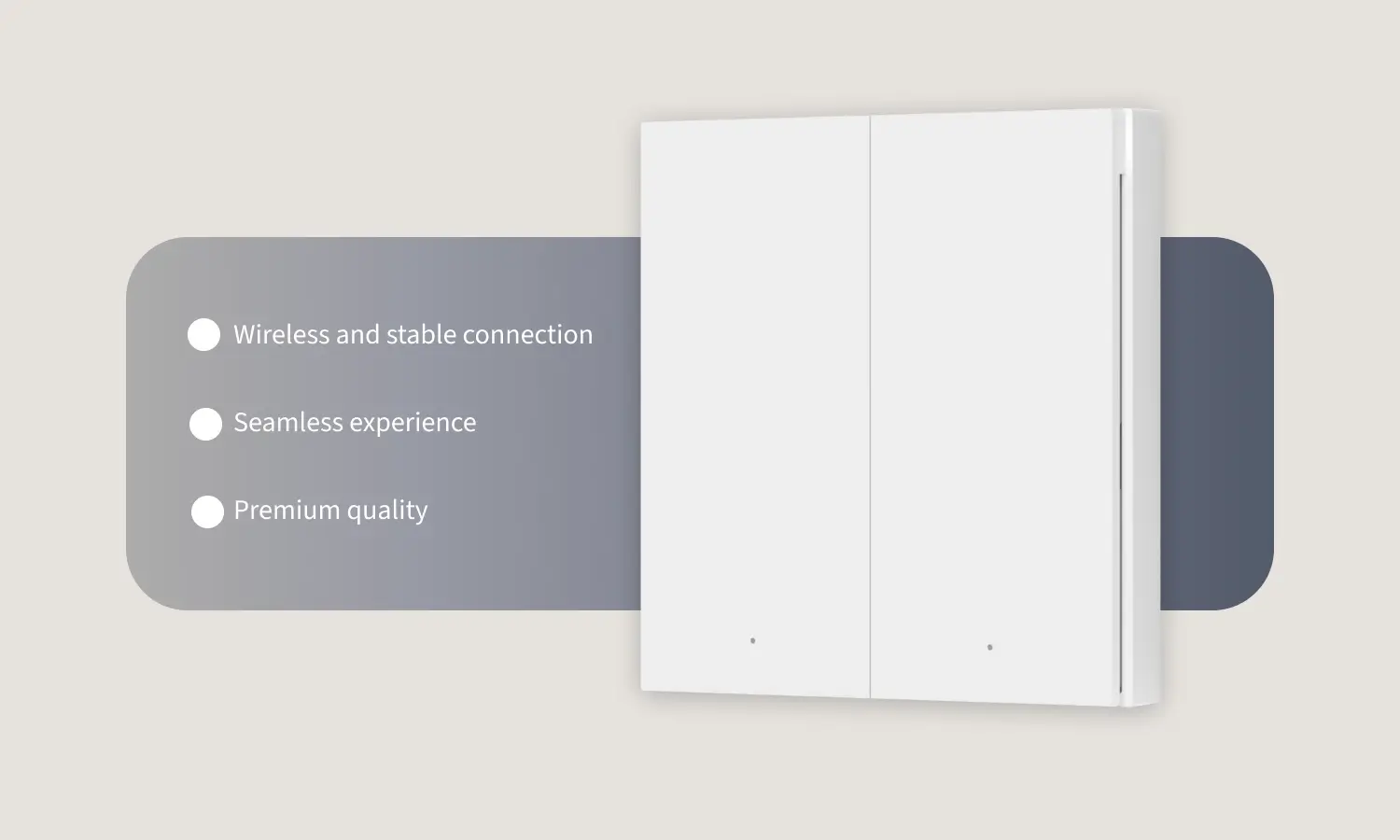
Seamless experience+
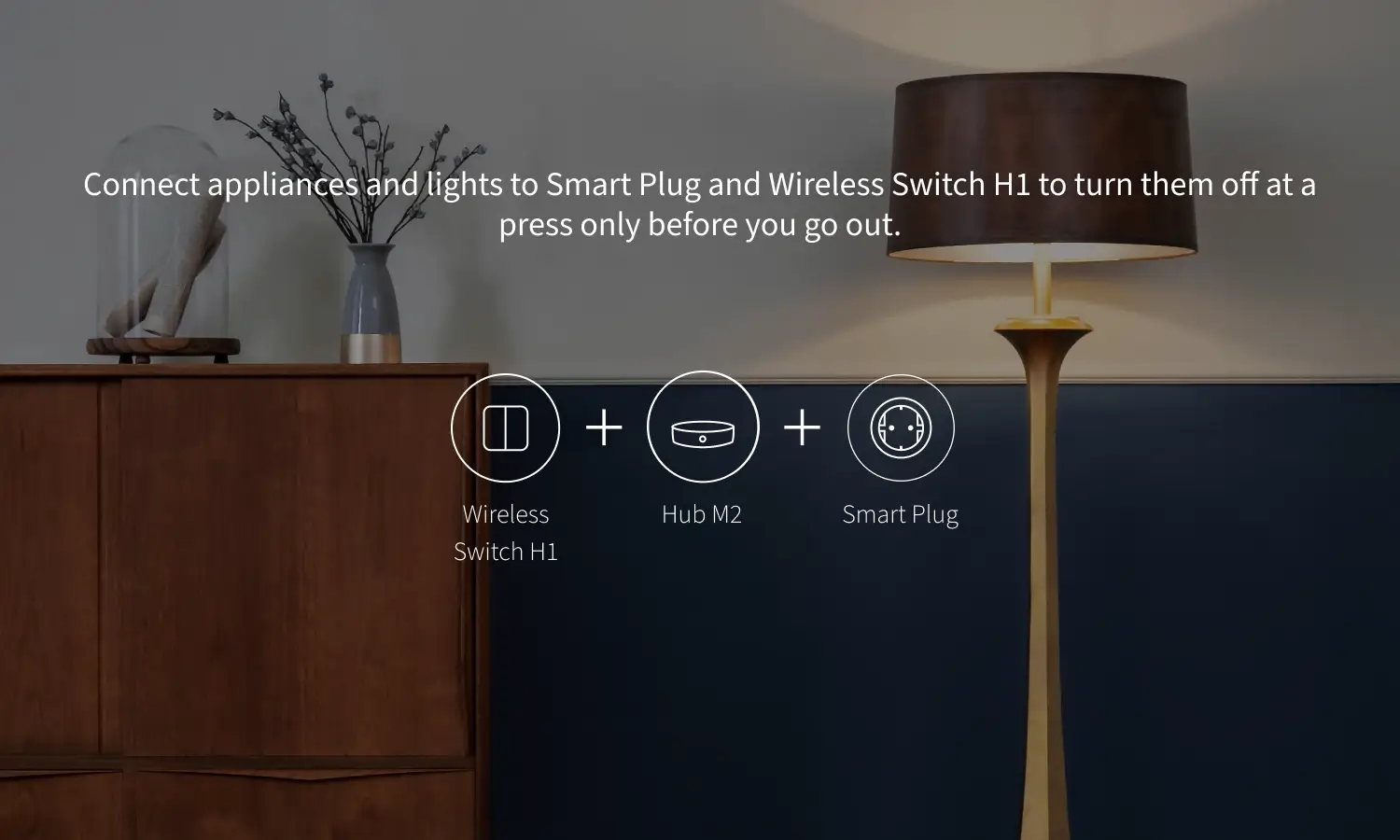
Premium qualityConnect appliances and lights to Smart Plug and Wireless Switch H1 to turn them off at a press only before you go out.
Adhesive-free, place it on a surface directly.
Remove the protective film from the adhesive pad and attach the device on the desired surface.
Open the back of the Wireless Remote Switch H1 and fix it to the wall box.
No customer reviews for the moment.